UI Production Director, Assistant Director & Producer
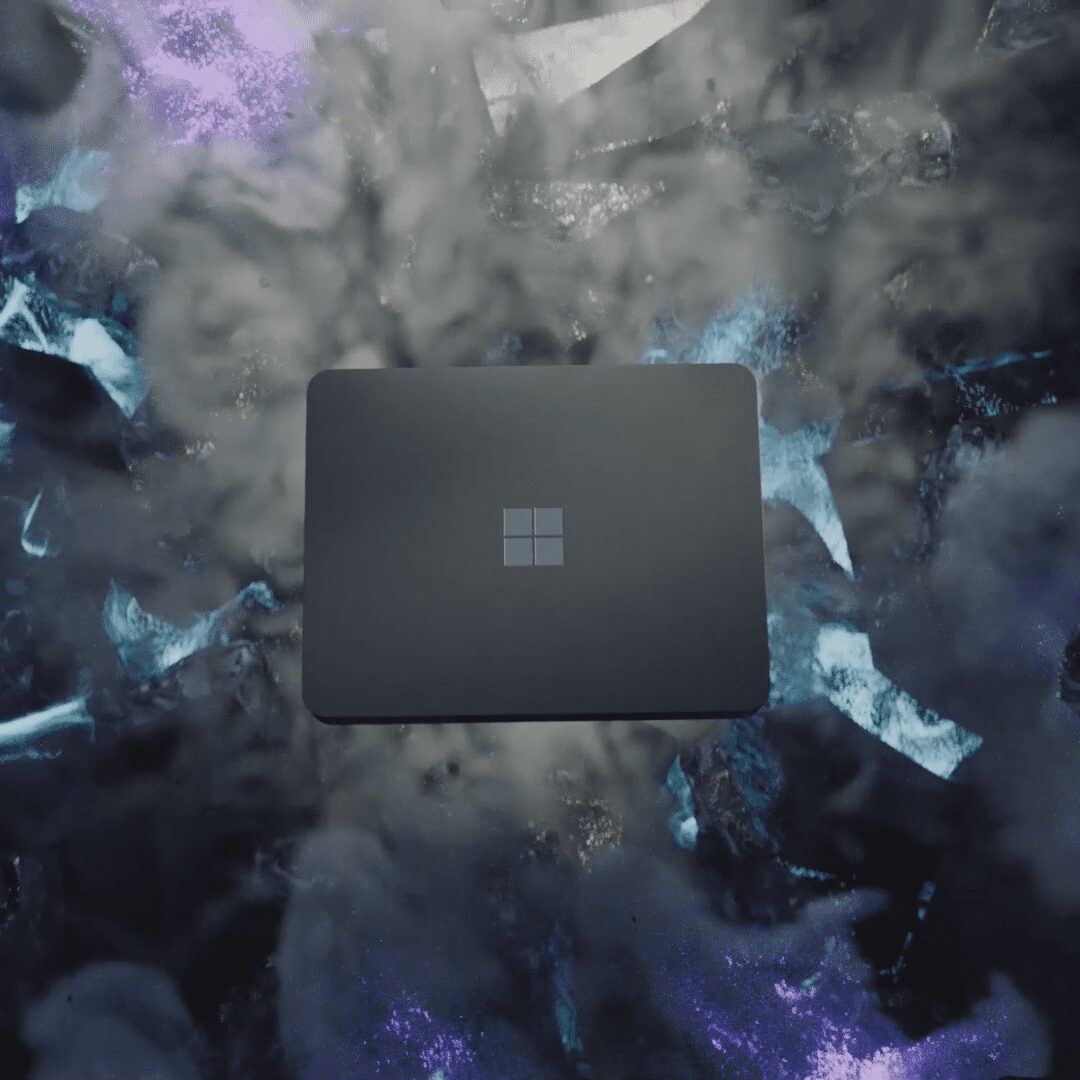
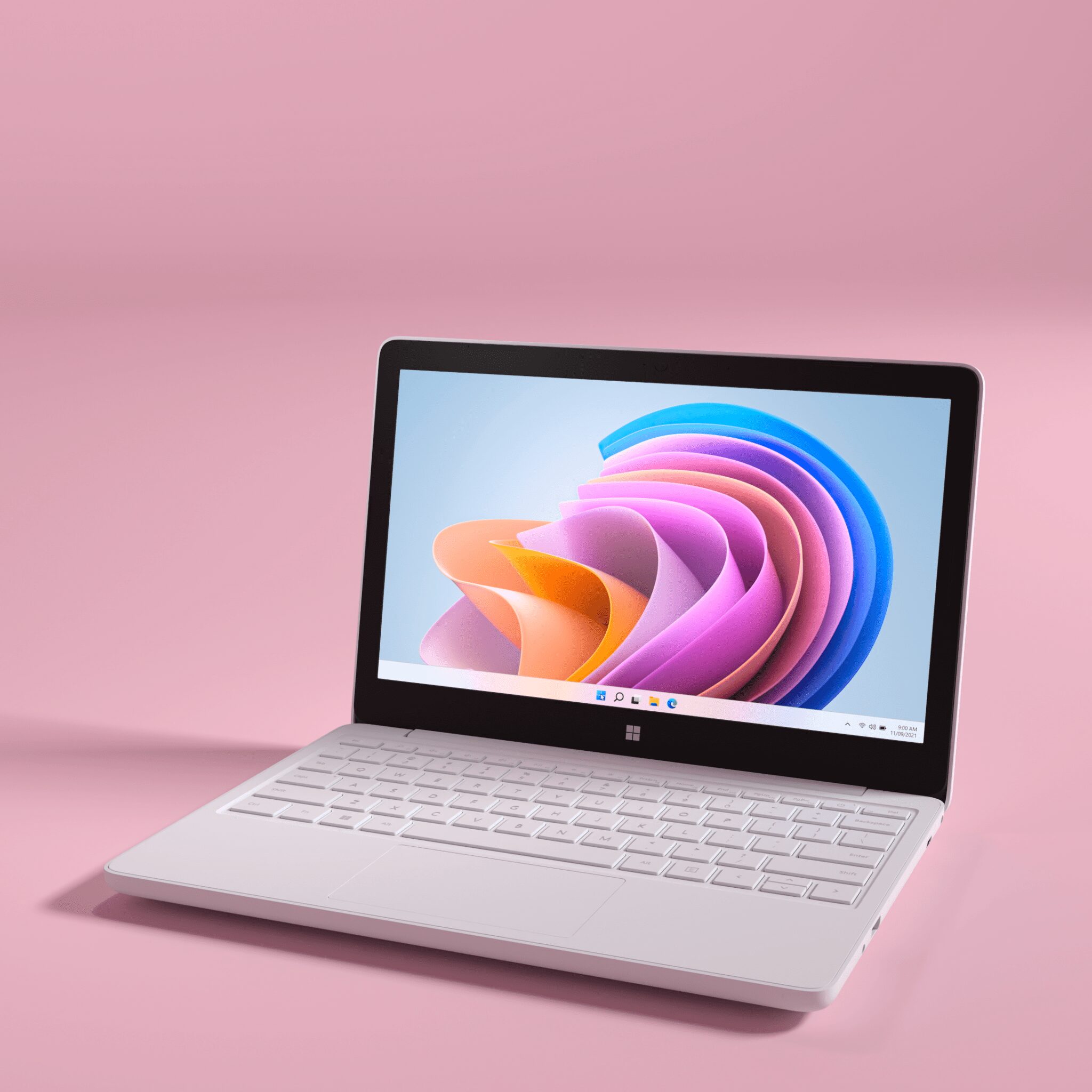
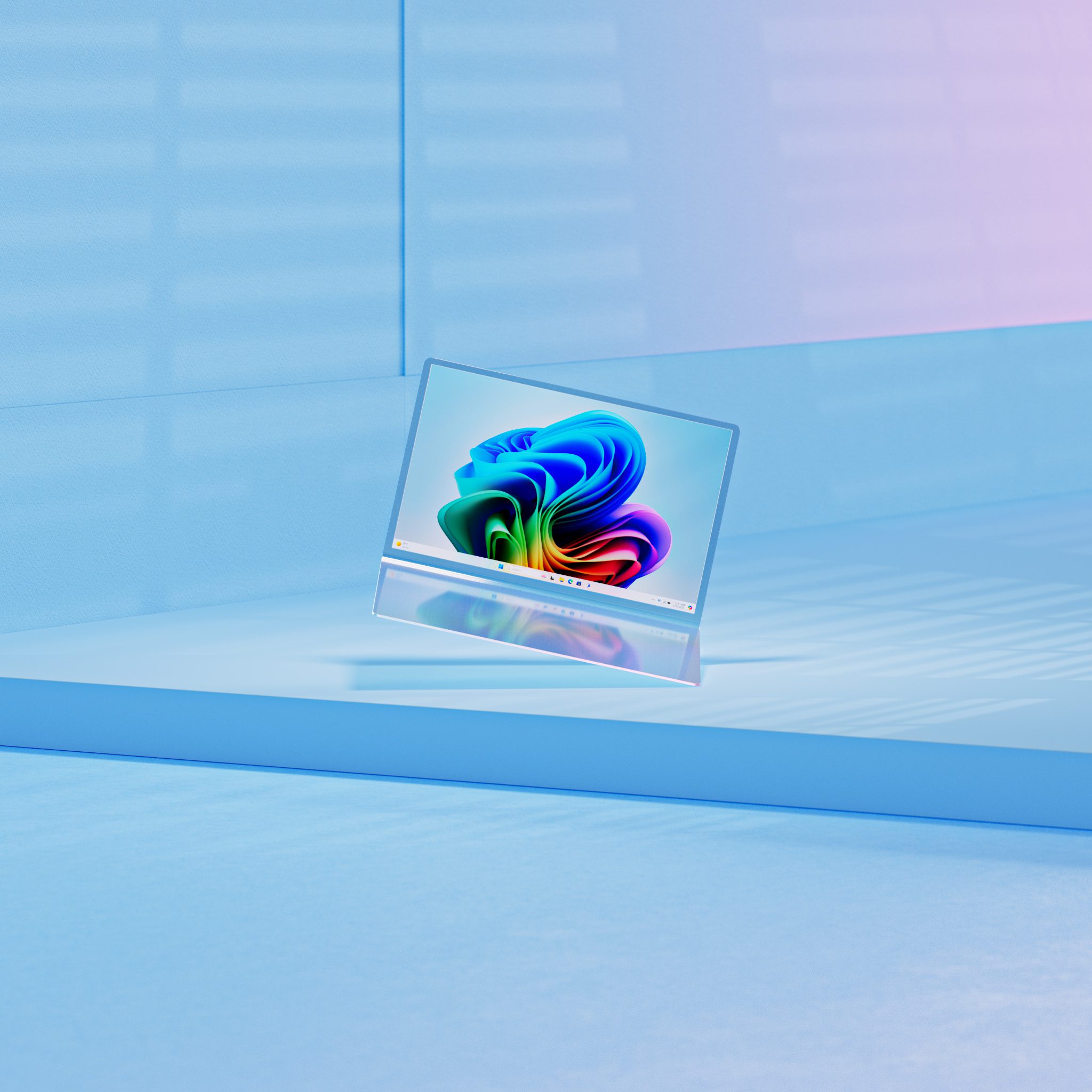
This was the broadest video in the Copilot+ PC launch set. Unlike the Surface pieces, it was not really about a single device. It had to introduce a larger AI story, powered by Snapdragon X Elite, across Surface and OEM hardware, and it had to do that mostly through software.
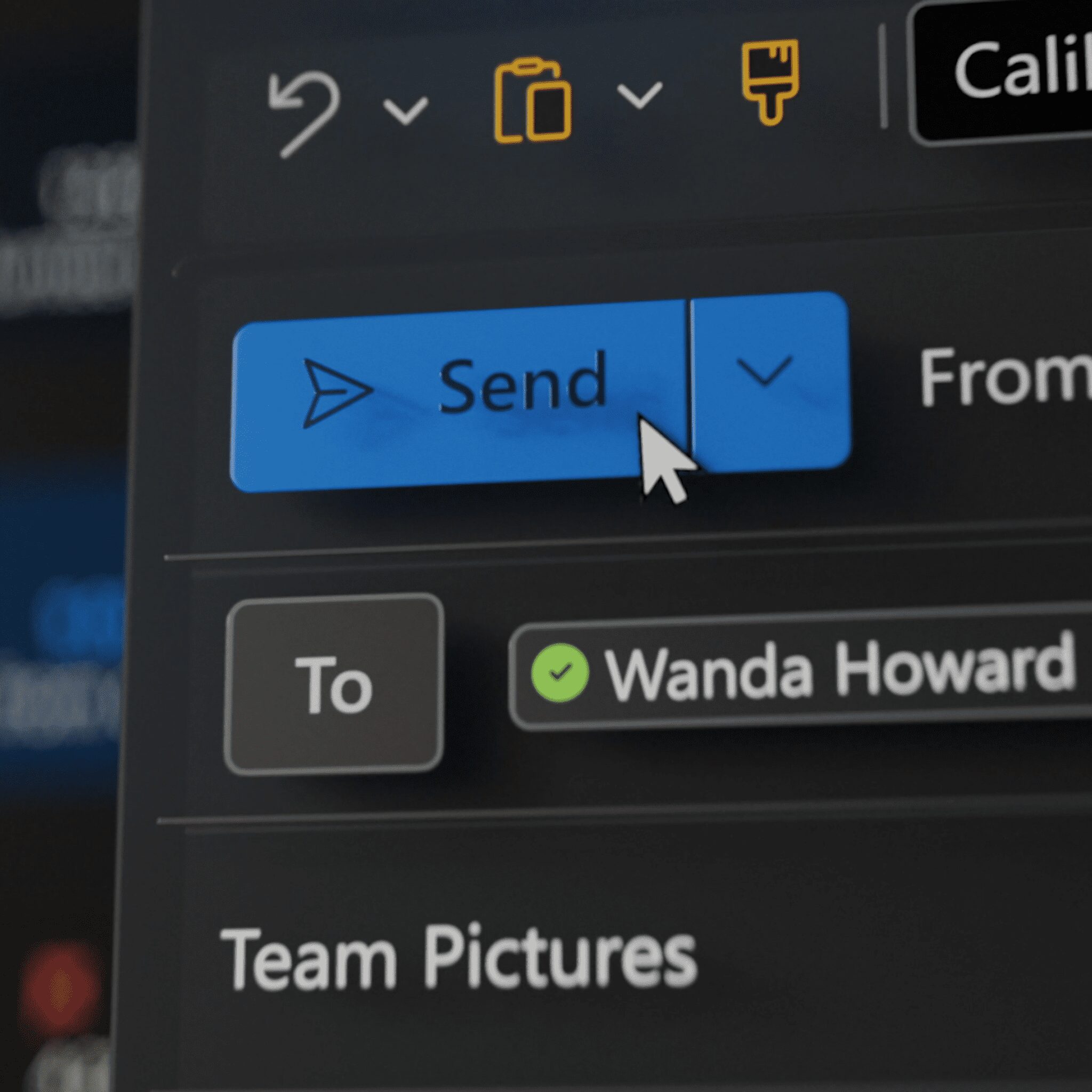
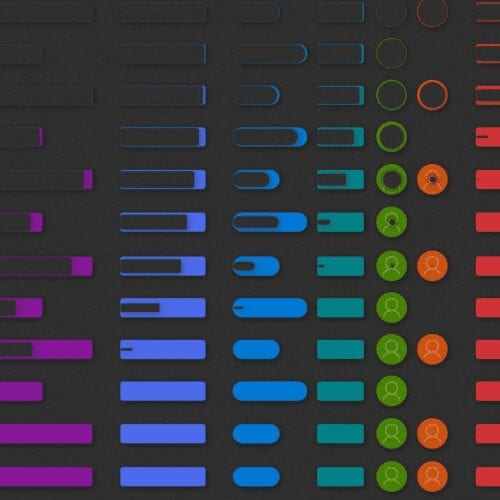
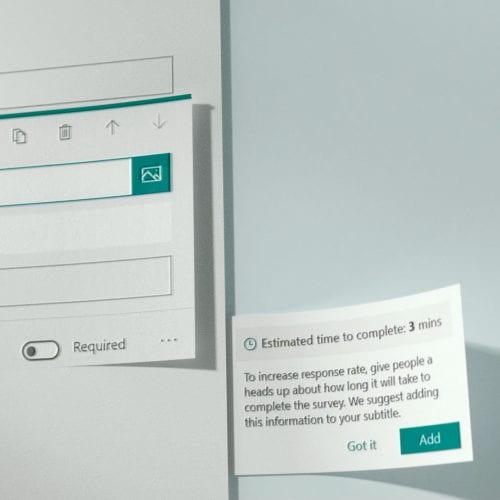
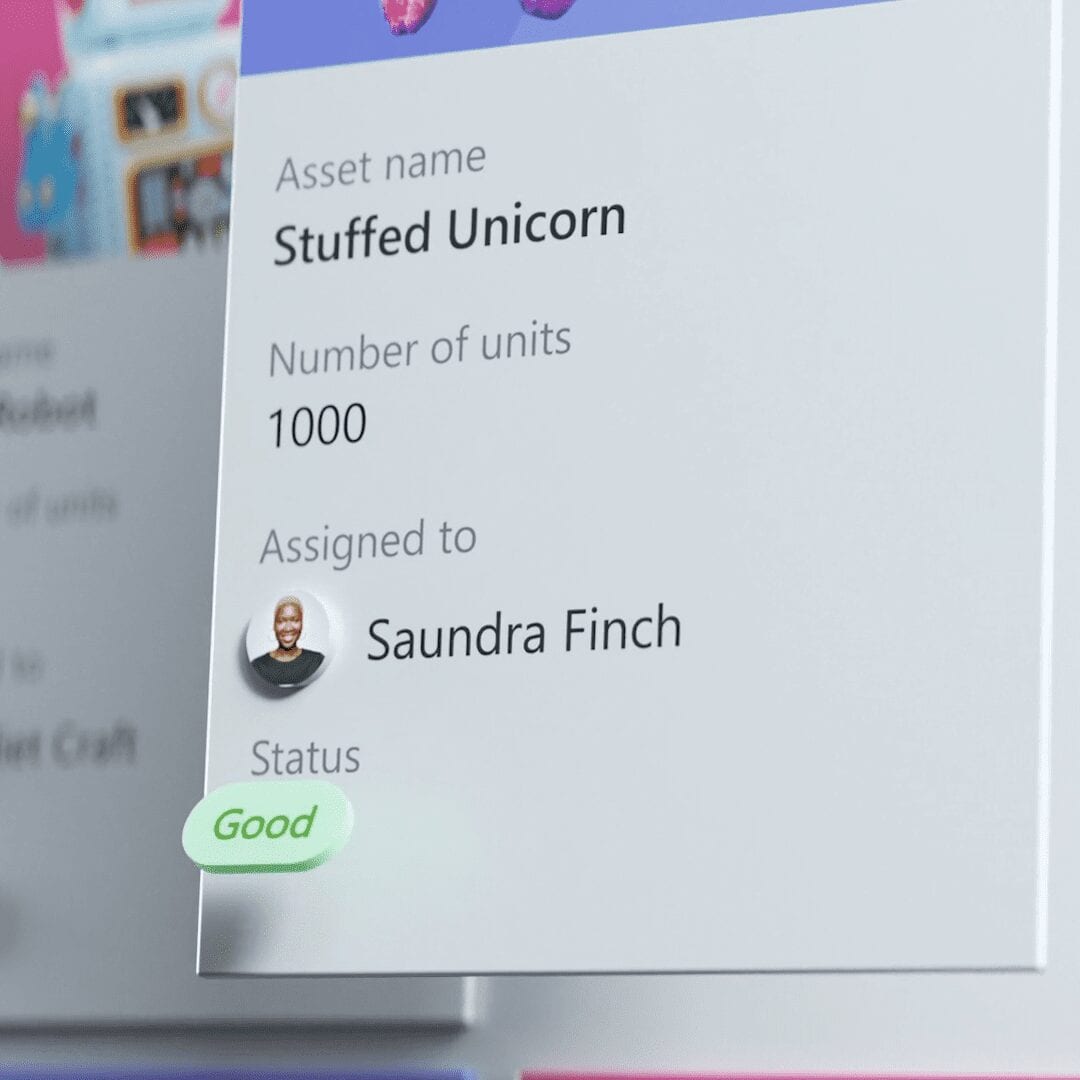
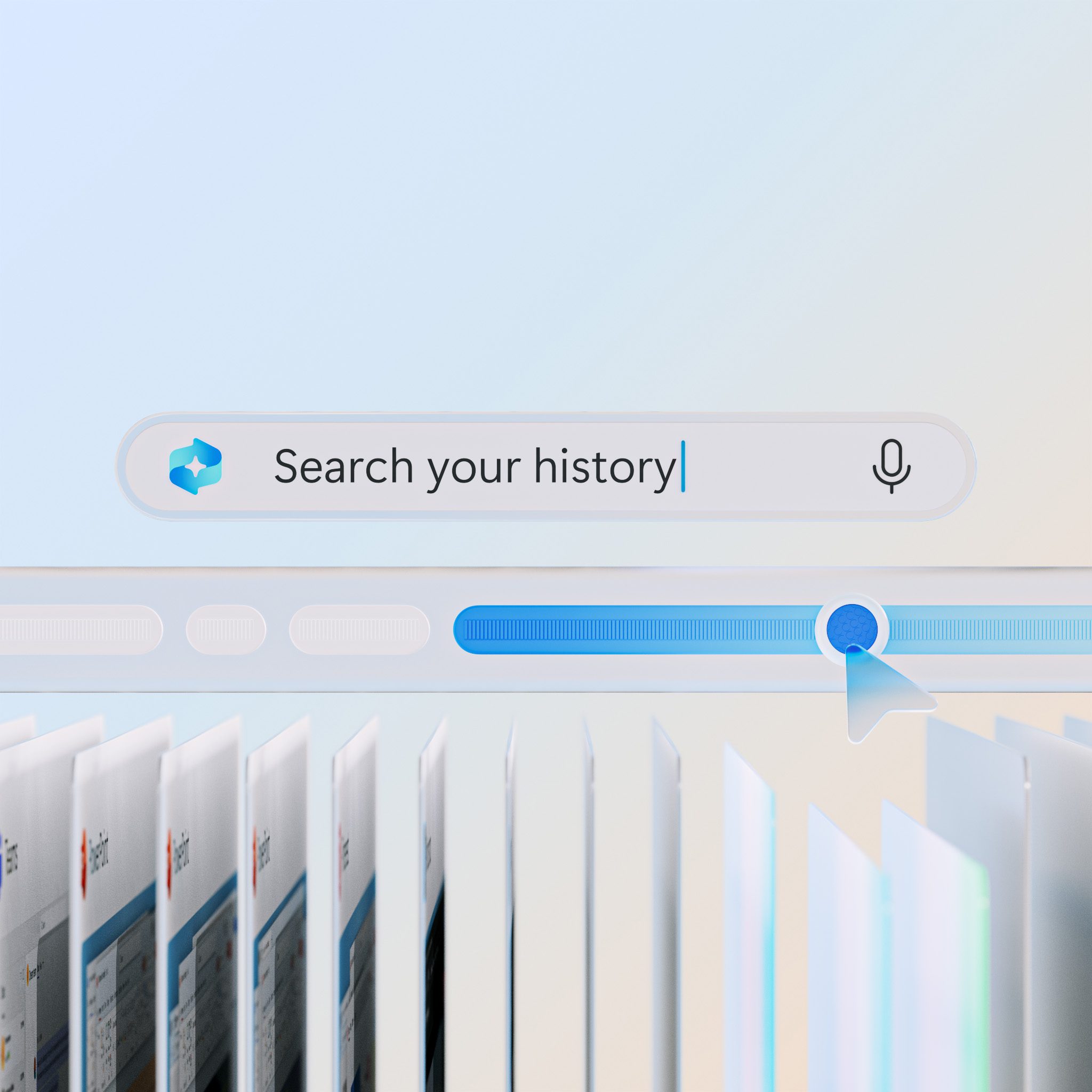
That changed the job right away. If the hardware was not the focus, the UI had to carry the film. I led the screen design and animation for features like Recall, Cocreator in Paint, Live Translations, and Copilot, working closely with art direction to make sure the whole thing felt like one system instead of a stack of demos.
- I led the UI production for a software-first launch film that had to connect multiple devices through one visual story.
- I built and refined feature stories for Cocreator, Live Translations, Windows Studio Effects, and Copilot.
- I kept the UI clear enough to carry the story even when the hardware was mostly off screen.
Microsoft
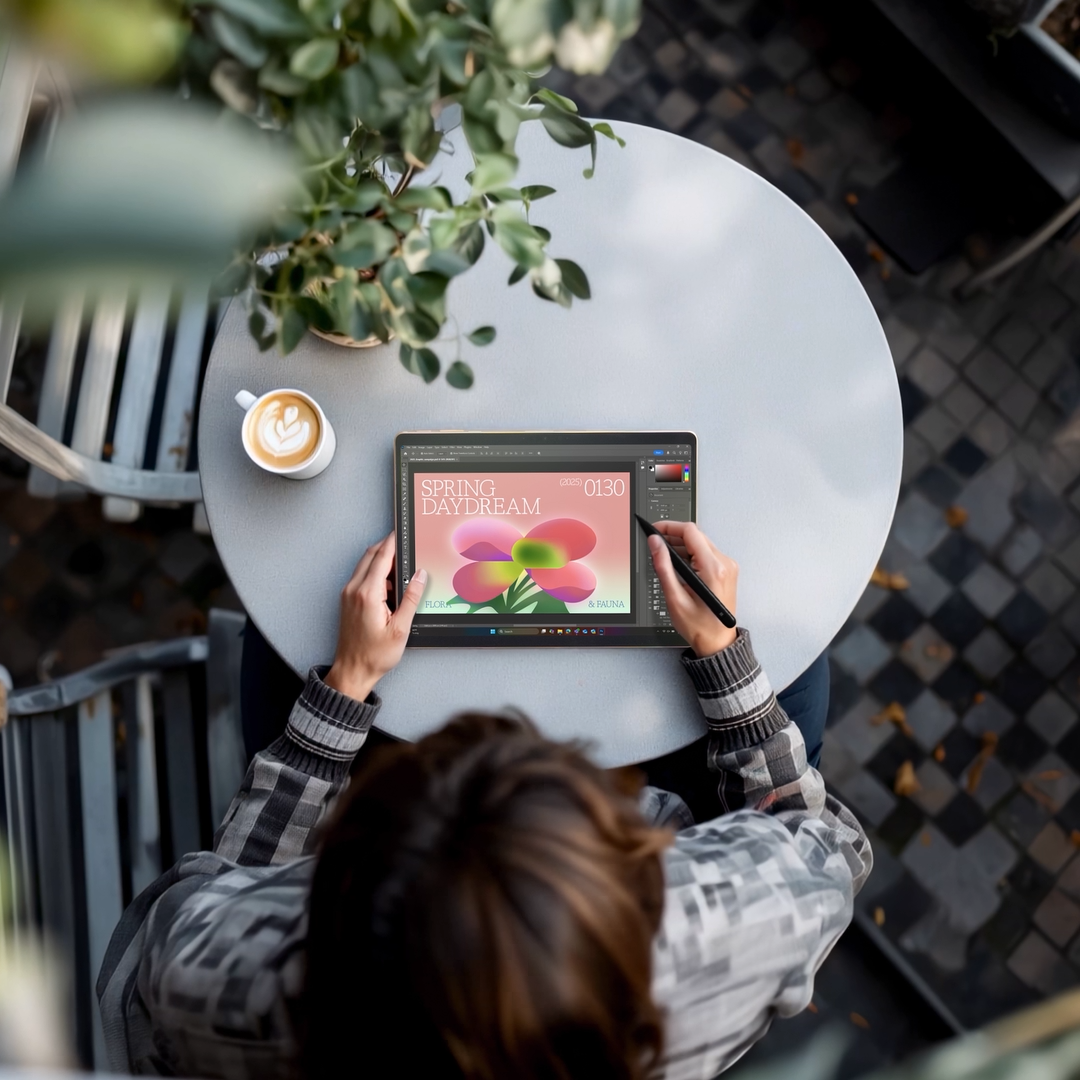
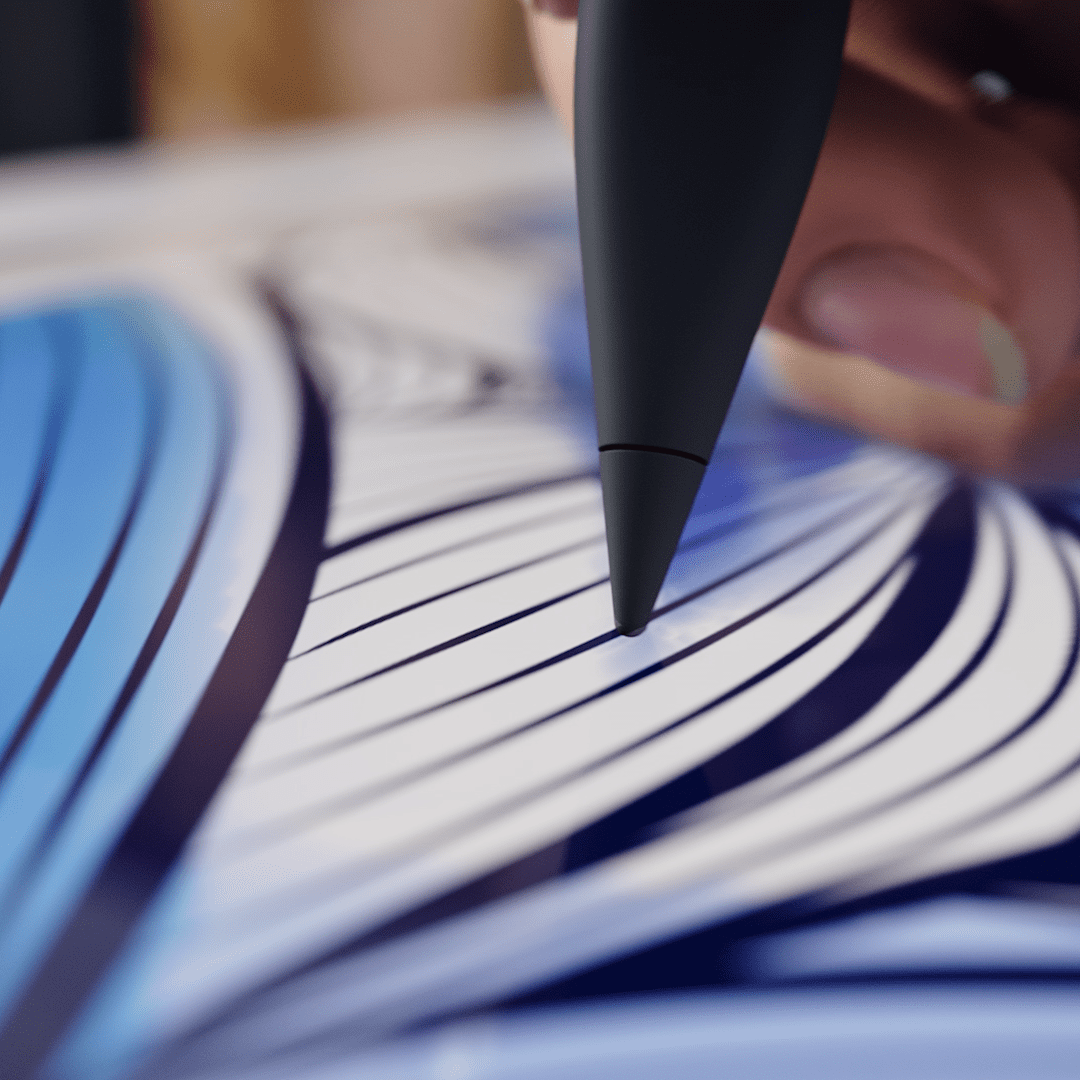
Because this piece was focused on software instead of hardware, the challenge was finding ways to make the AI stories feel visual without a device doing the heavy lifting. Cocreator in Paint was easily one of the hardest features to solve. The idea of sketching something rough and then letting AI turn it into an image sounds simple, but it was surprisingly hard to make readable on screen.
My first pass used a finished illustration, then layered in sketch marks and transitioned to the AI result. It was clear pretty quickly that it was not working. It explained the feature in theory, but it did not feel believable or intuitive.
After that, I spent more time in the product itself and rebuilt the sequence around a more accurate flow. I also tried a 3D version, but that pass ended up feeling too literal and too polished for the more fantastical tone the film wanted. After a few more rounds and some directorial feedback, I rebuilt the entire scene again and finally got it to a place where the feature made sense and still fit the larger video.
By this point, Windows Studio Effects was already familiar territory. We had used it in earlier sizzle videos, starting with the Windows 11 update work in 2022, then again in the Surface Pro 9 video and the 2023 Surface Laptop Studio 2 piece. This version needed to show how the stronger NPU opened up new effects while also improving things like background noise reduction and portrait blur.
The first round was about layout and transitions. I tested different ways of presenting the feature so it felt clean and understandable without repeating what we had already done in earlier videos.
From there, it was mostly refinement. I kept adjusting the UI, tightening the presentation, and simplifying where needed so the feature landed quickly. The final version ended up in the commercial cut, where it worked well because it showed the upgrade in a way that felt practical right away.
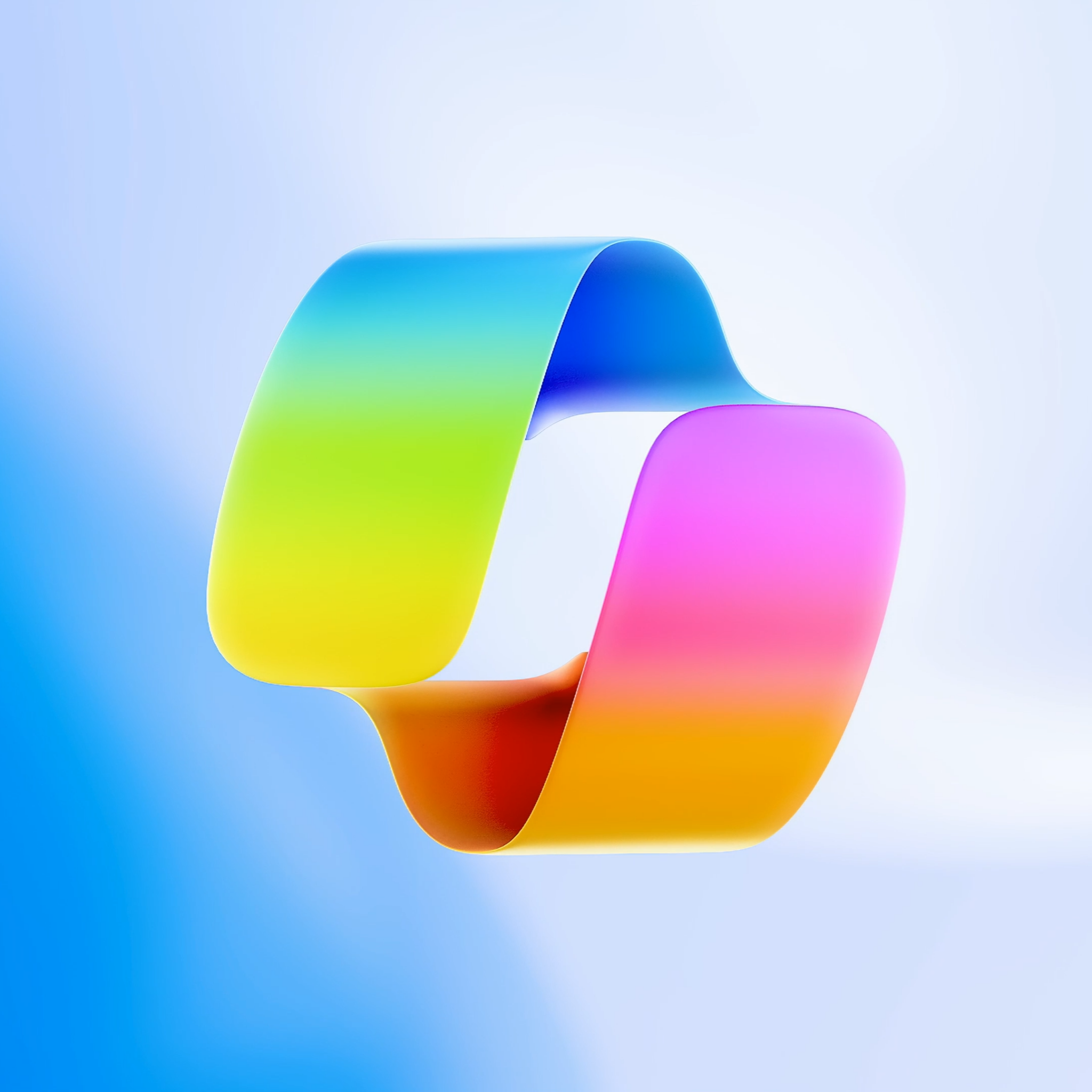
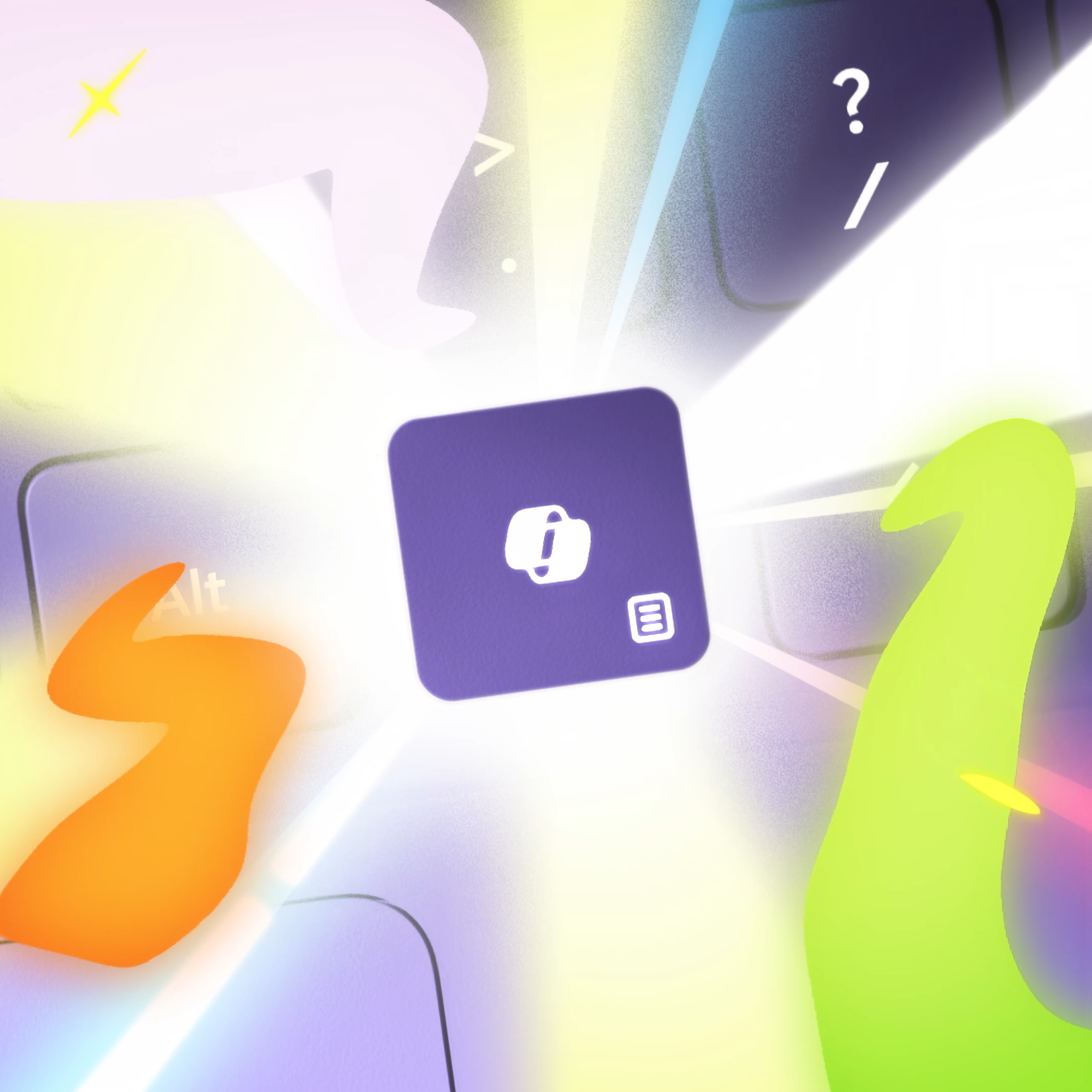
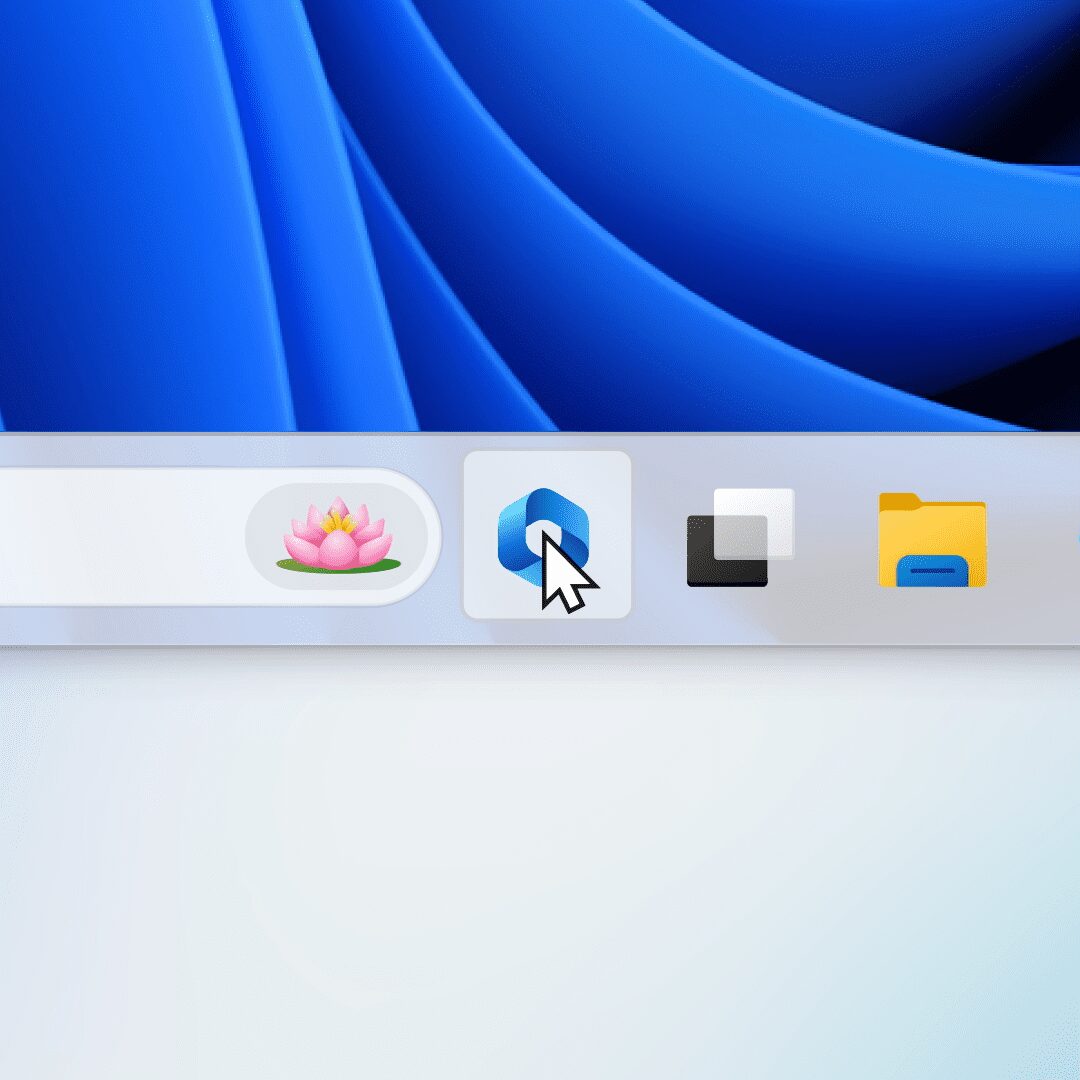
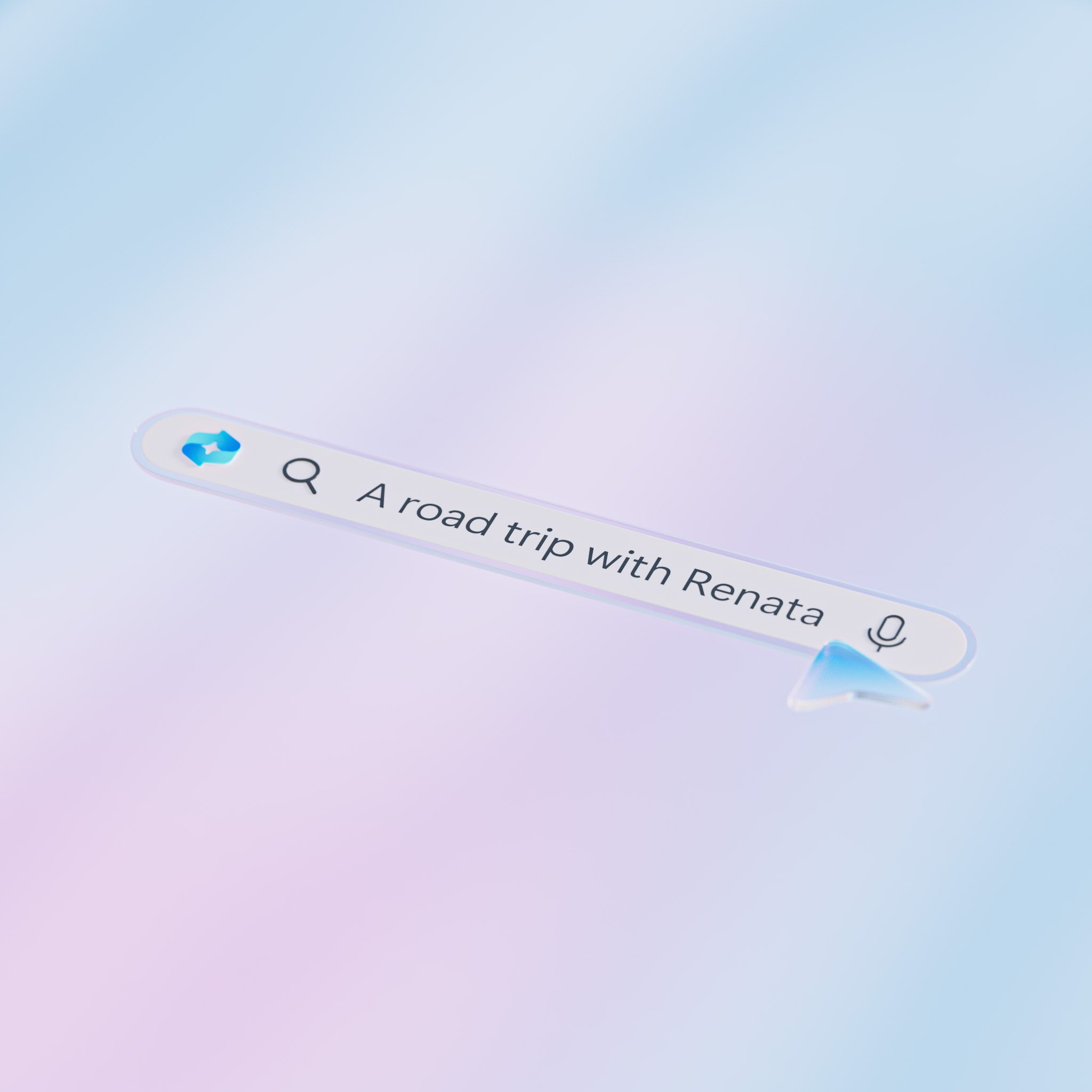
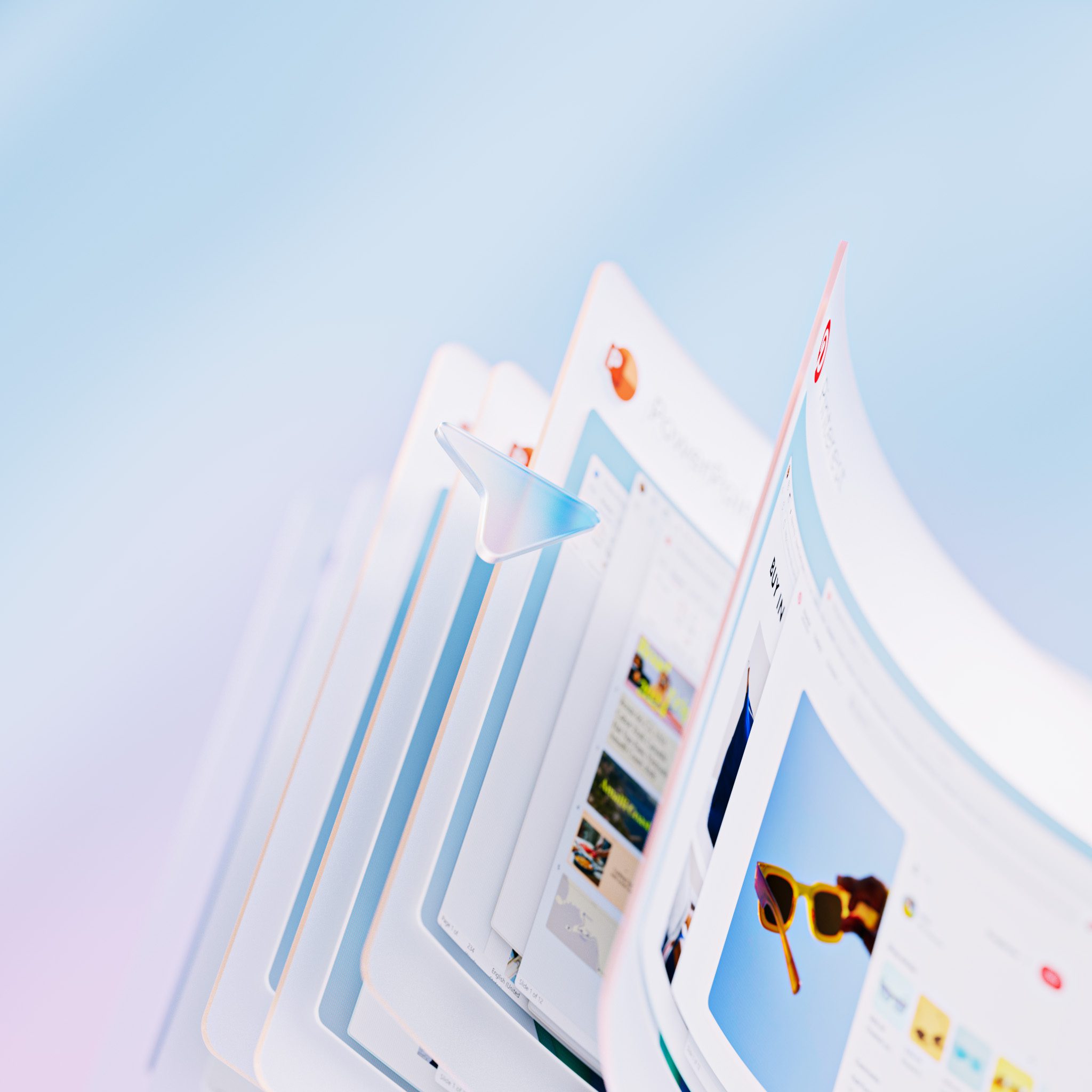
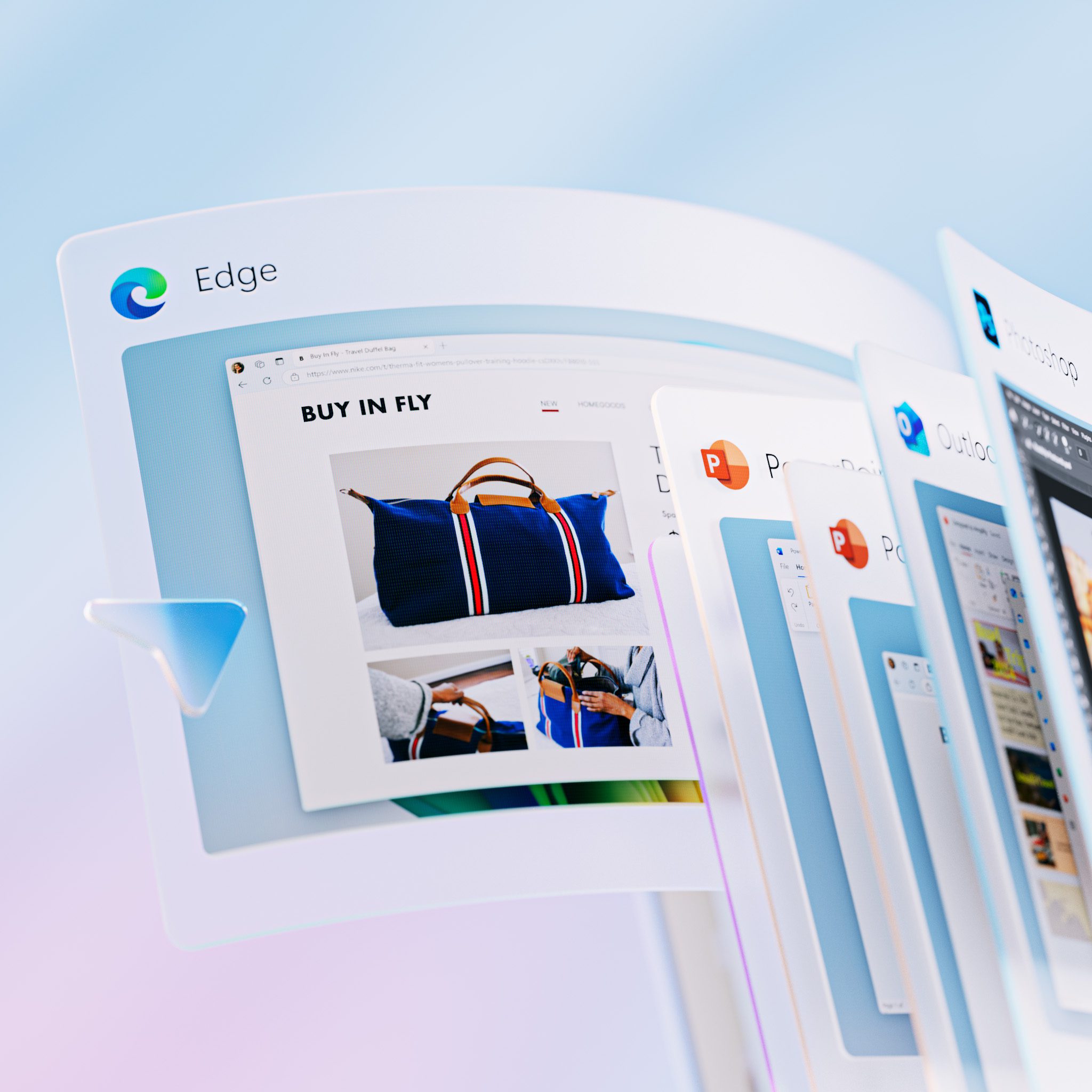
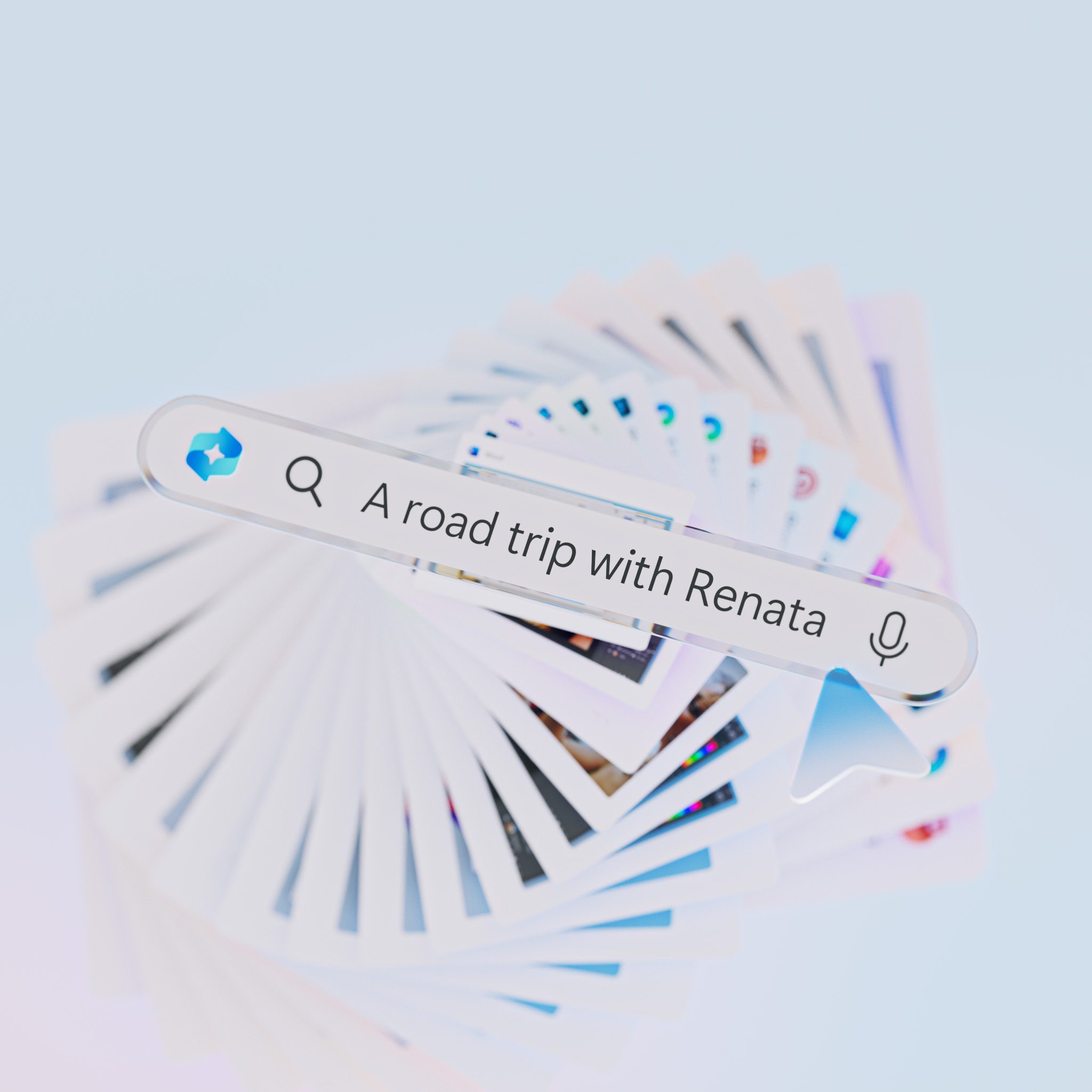
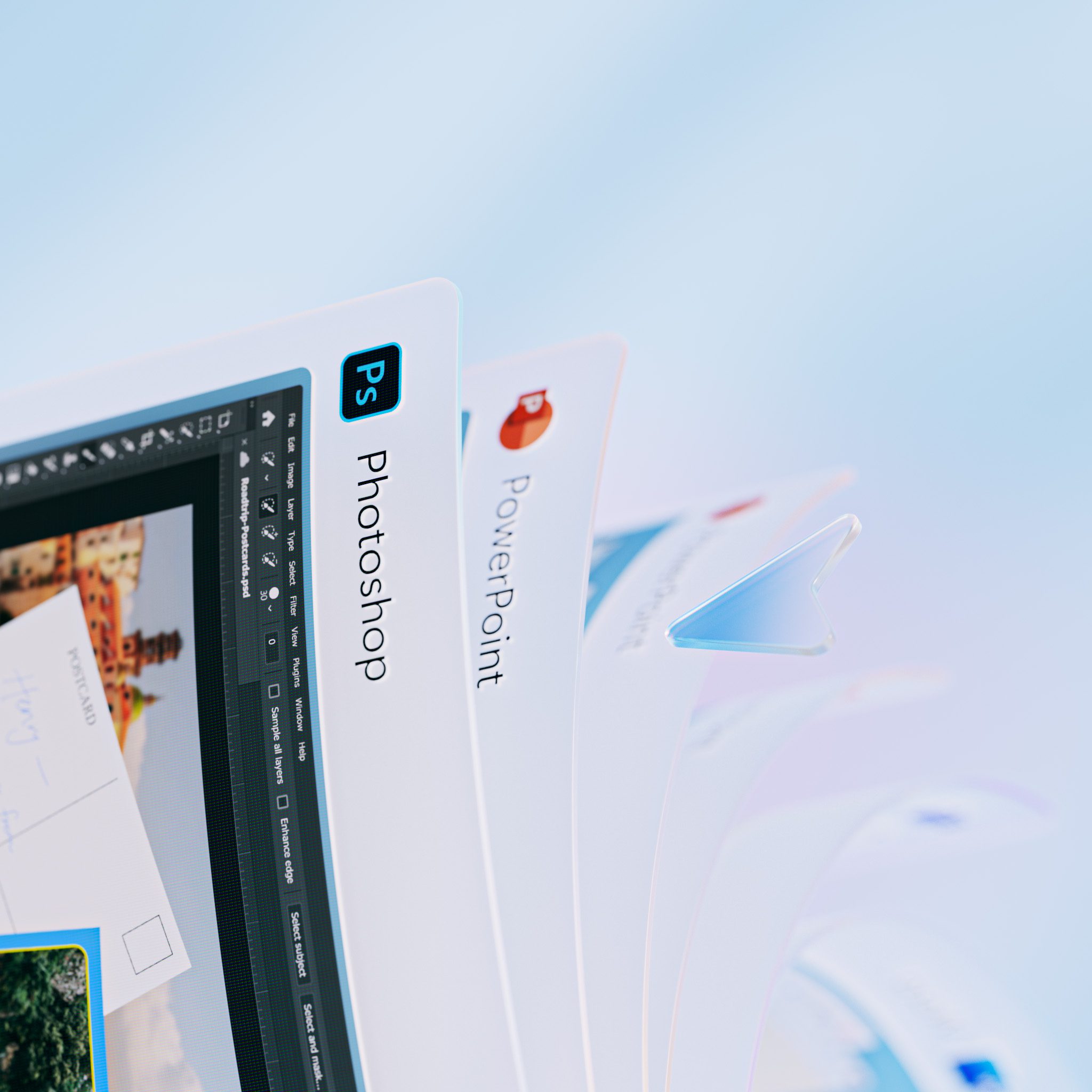
The Copilot section was one of the most complicated parts of the whole film. Early on, I built the story around step-by-step scenarios that showed what the product could do, but the first concepts stretched too long and started to feel heavy.
I narrowed those ideas down to three directions, find, recipe, and analyze, but even then the sequence still felt like it was asking the viewer to do too much. I also tried a voice-over track for a while, then moved away from it and let music do more of the work. That shift helped a lot because it forced the UI to be simpler and clearer.
Once the interaction design felt right, I moved the sequence into 3D and started building style frames around it. The final version was much more direct. It showed what Copilot could do without overexplaining it, and that simplicity ended up helping anchor the rest of the sizzle.
Director - Cisco McCarthy
Art Director - Melissa Kim
Producers - Emily Duarte, Ryta Karagodina & Justin Sund
Creative Director - Brian Townsend
Executive Creative Director - Markus Weickenmeier
3D Motion Designers - Ziye Liu, Danny Yoon, Gap Yossanun, Kyle Moore
3D Art Development - Wes Cockx
Art Design - Phoebe Hsu
Storyboard Artist - Alex Alvarado
UI Production Director - Patrick Flaherty
2D Motion Designer - Toliy Patel
UI Design - Piper Phan
After the announcement version was finished, I also created a commercial cut aimed at a broader audience. That version needed a slightly different balance, so I stepped into Assistant Director and Producer roles and reworked the feature mix to better fit a more general story.
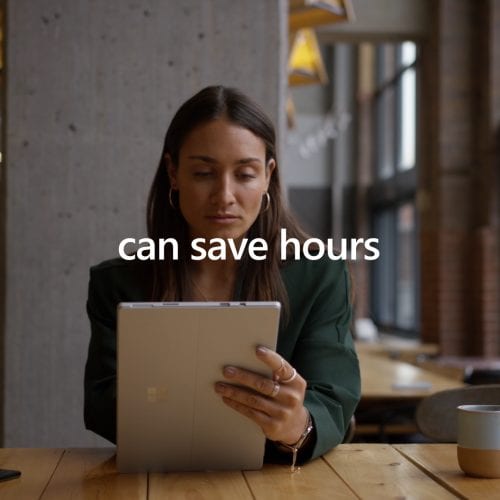
Some features changed in the process. Cocreator dropped out in favor of Windows Studio Effects, and Live Translations was updated to feel more useful in everyday scenarios. The goal was to keep the AI story grounded in situations that felt immediate and practical.
Microsoft
Director - Cisco McCarthy
Assistant Director - Patrick Flaherty
Art Director - Melissa Kim
Producers - Emily Duarte, Ryta Karagodina, Justin Sund & Patrick Flaherty
Creative Director - Brian Townsend
Executive Creative Director - Markus Weickenmeier
3D Motion Designers - Ziye Liu, Danny Yoon, Gap Yossanun, Kyle Moore
3D Art Development - Wes Cockx
Art Design - Phoebe Hsu
Storyboard Artist - Alex Alvarado
UI Production Director - Patrick Flaherty
2D Motion Designer - Toliy Patel
UI Design - Piper Phan
Selected Works