Animator
Rotoscoping kept showing up in my work for a few different reasons. At Microsoft, I used it as part of brand explorations and screen-based storytelling.
Microsoft
Microsoft Branding Explorations
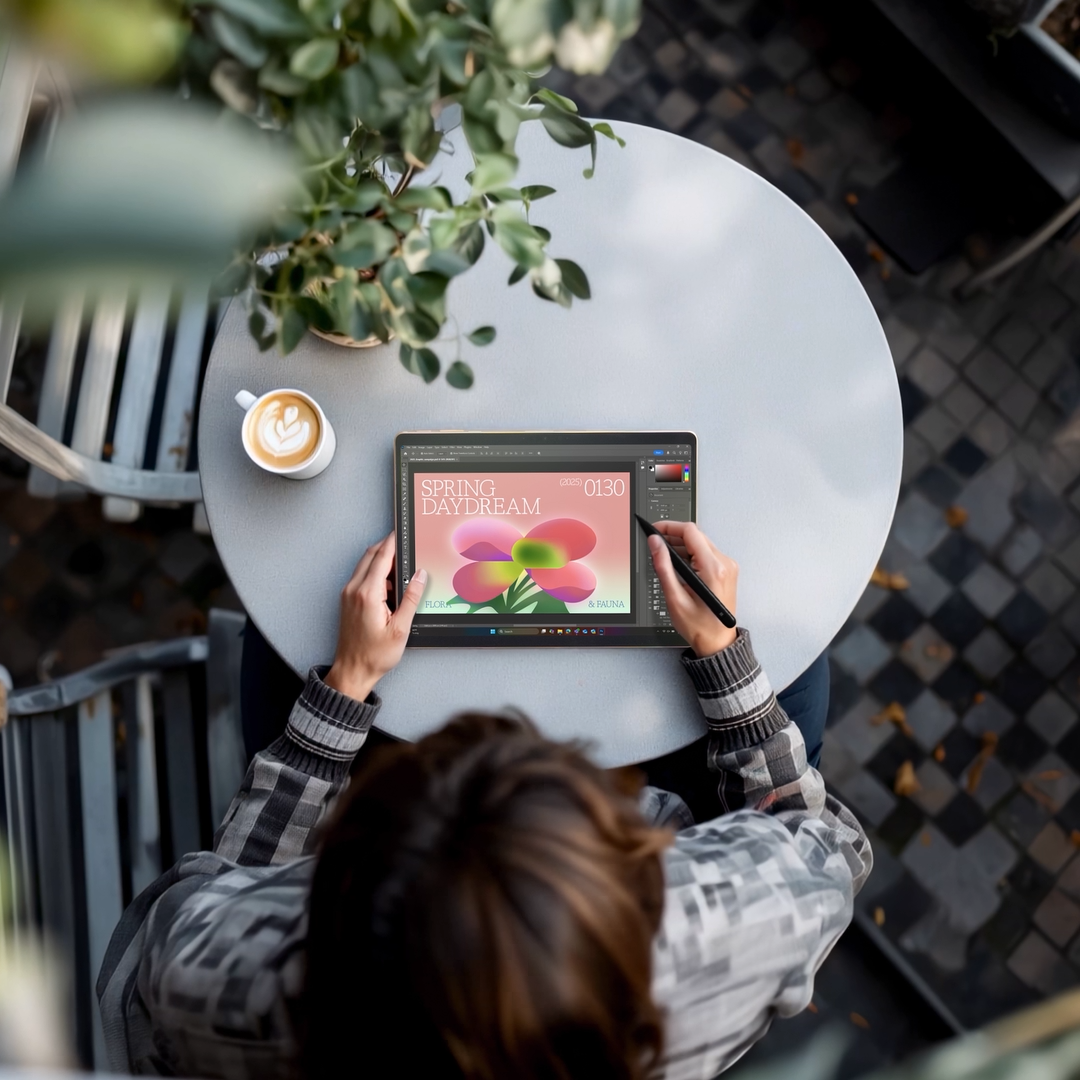
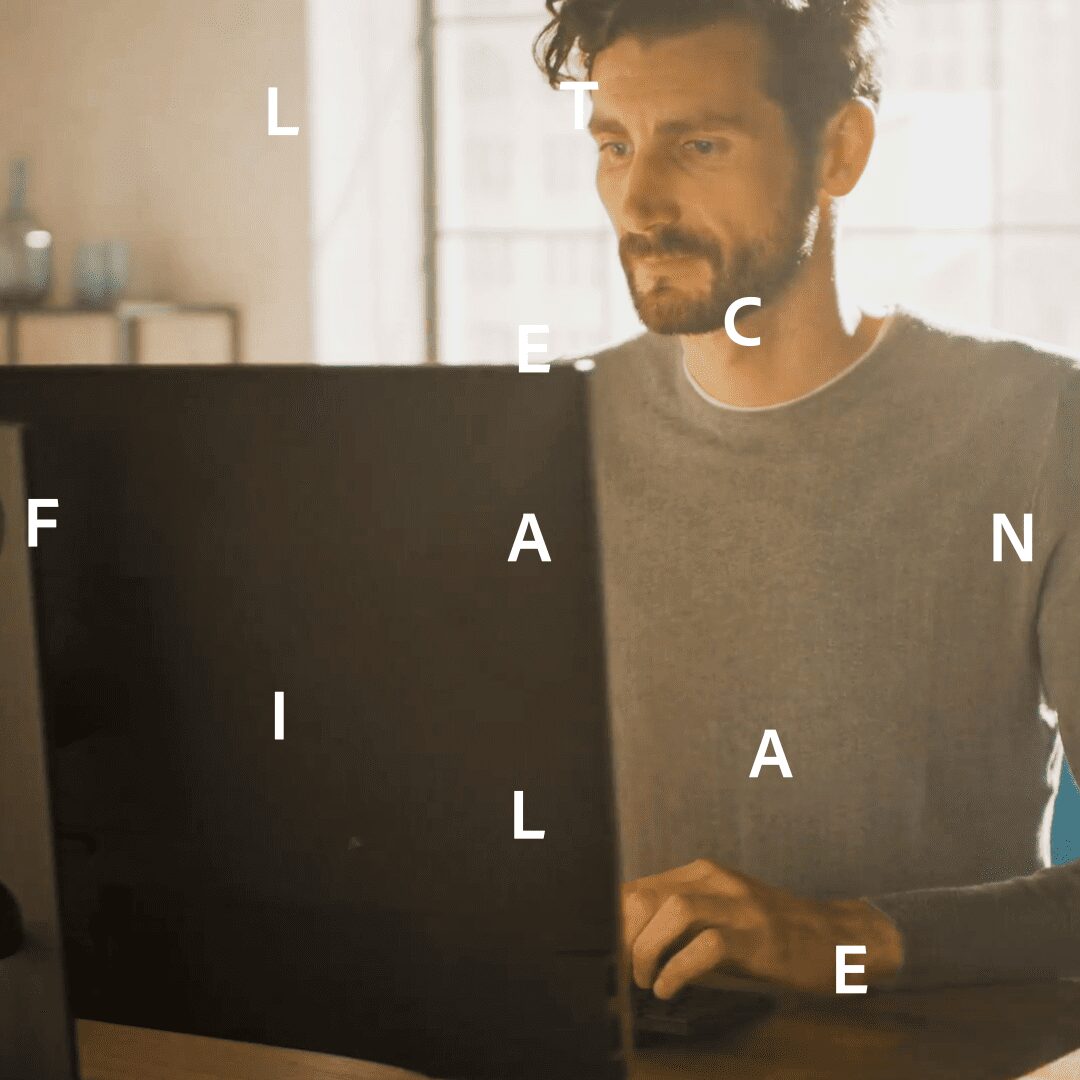
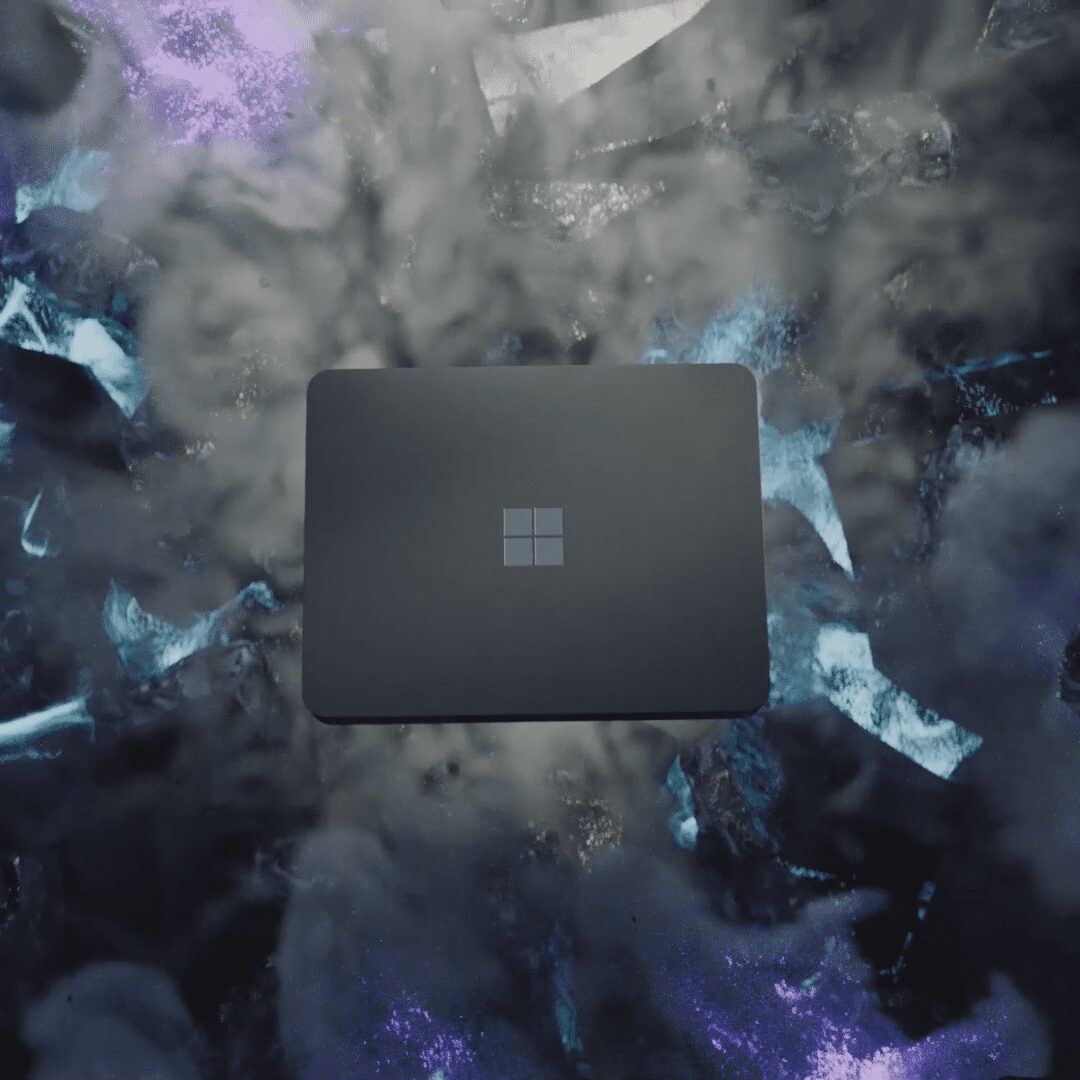
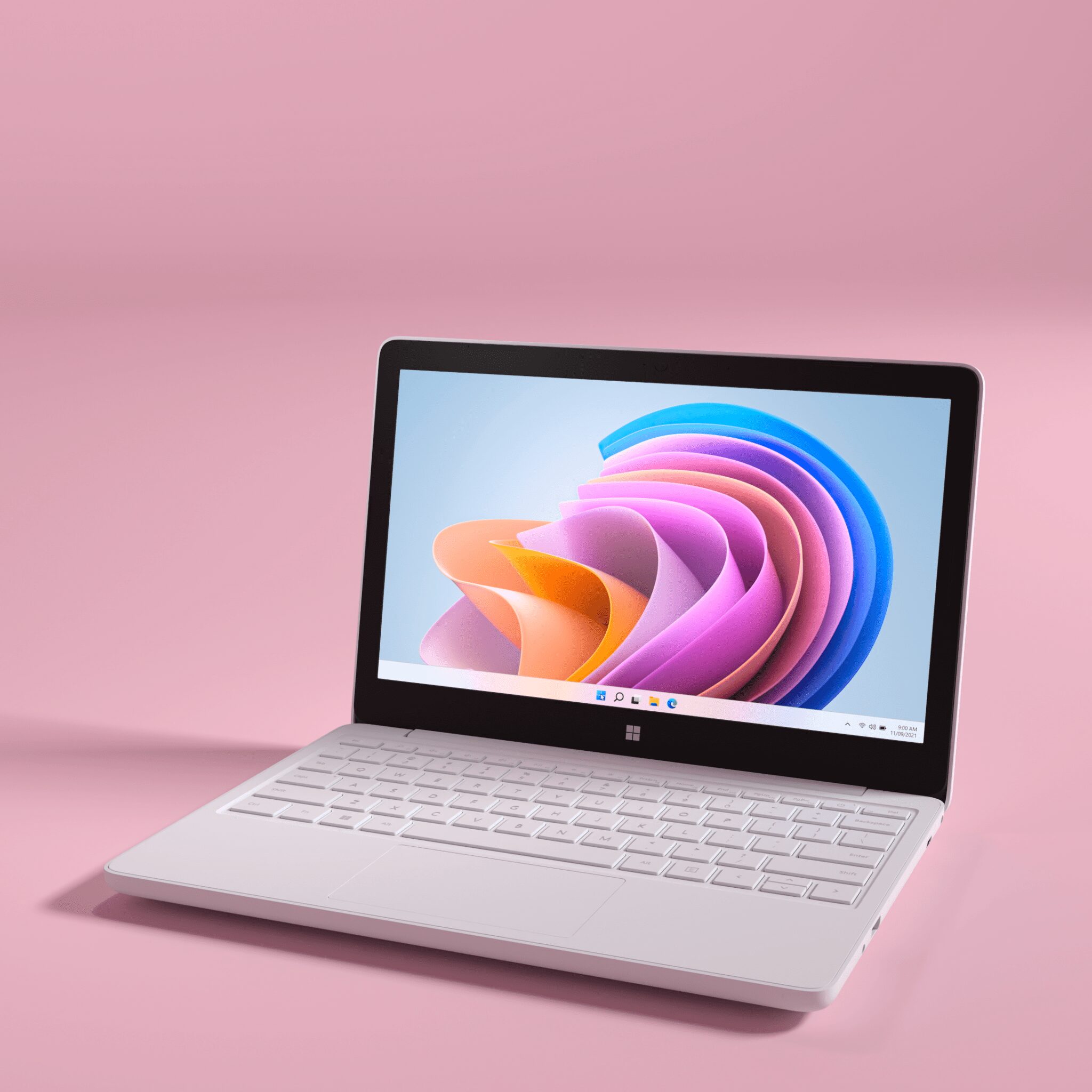
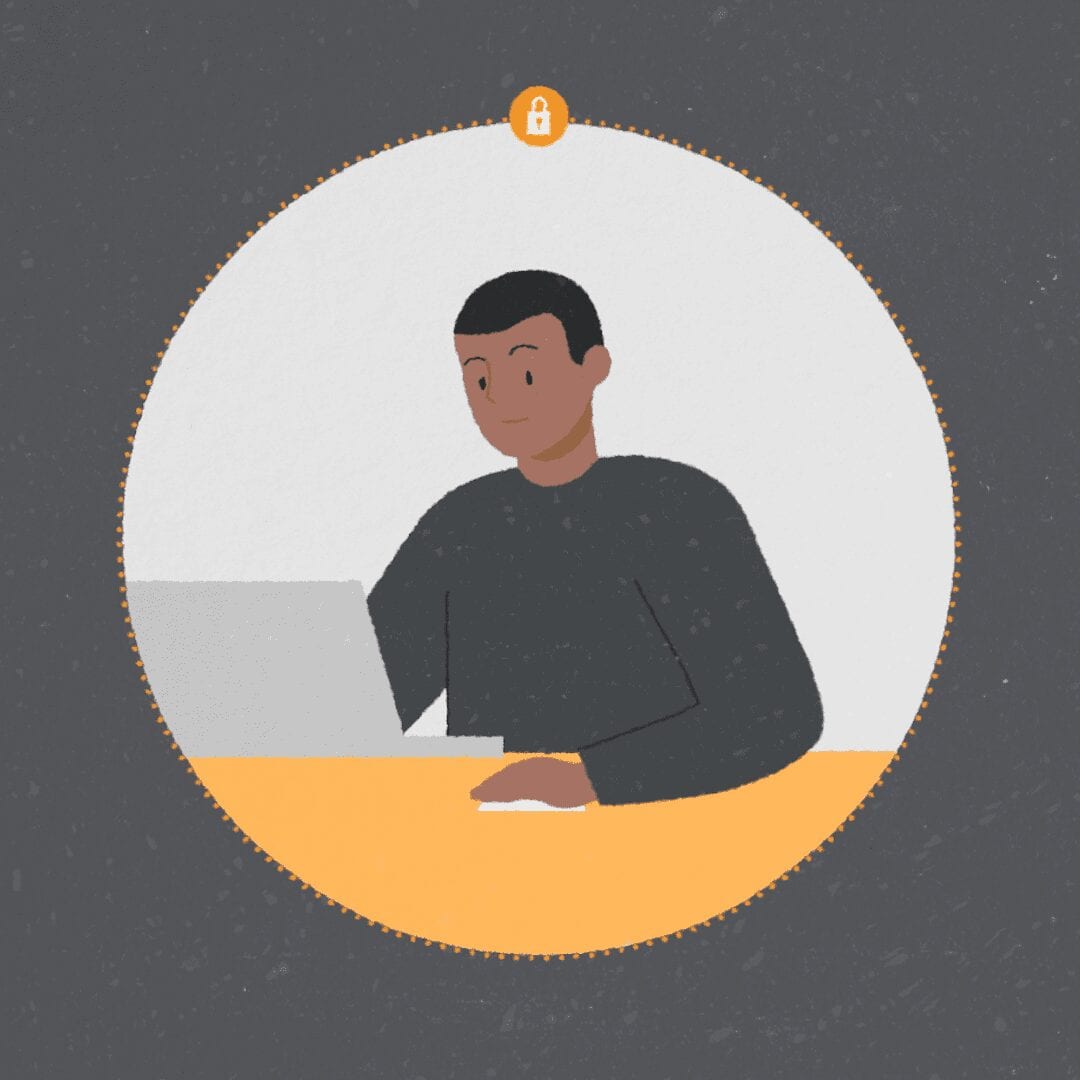
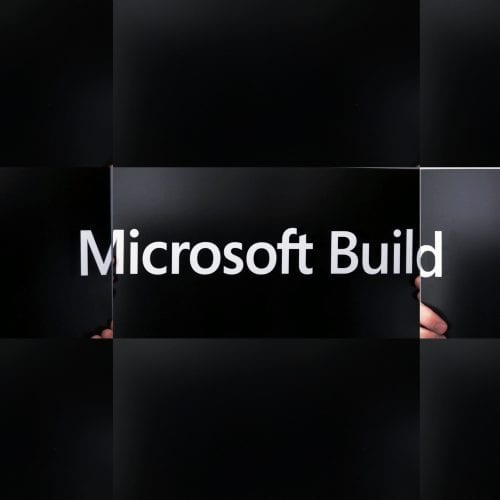
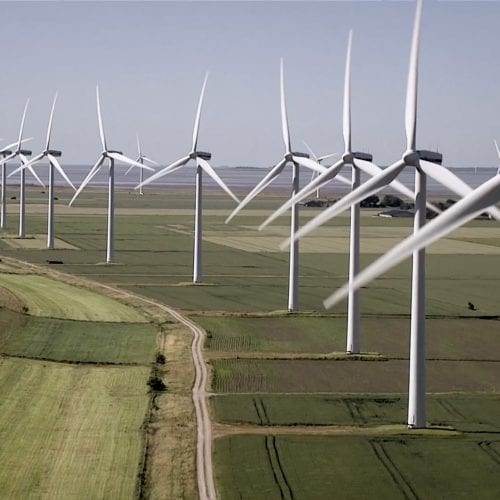
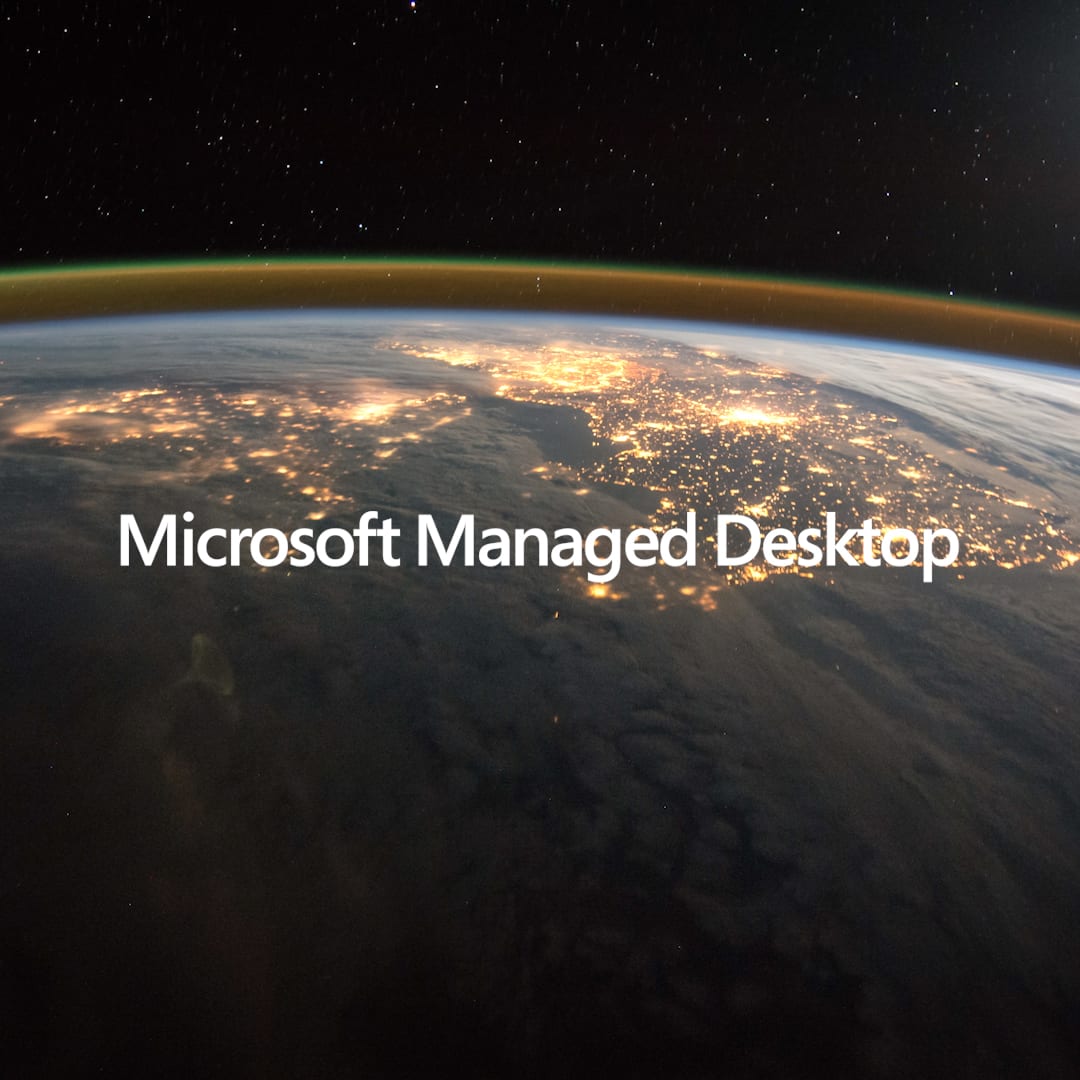
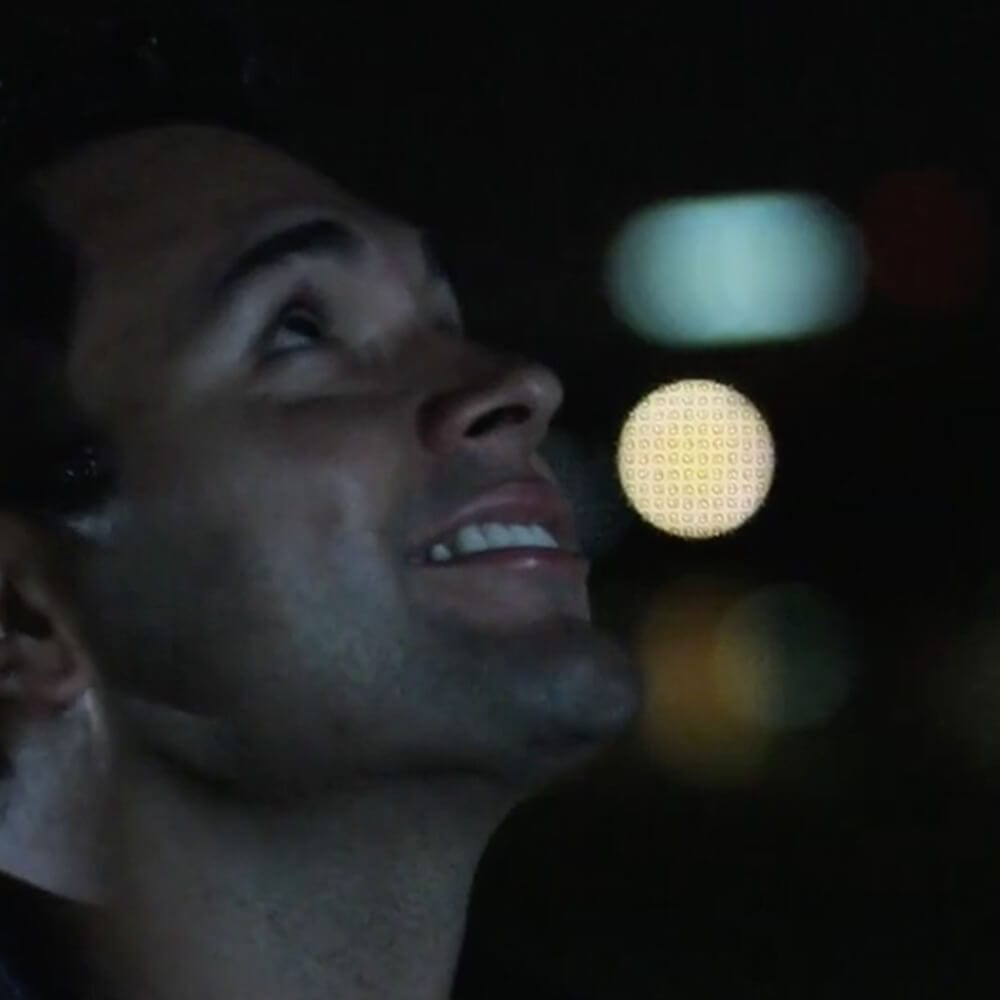
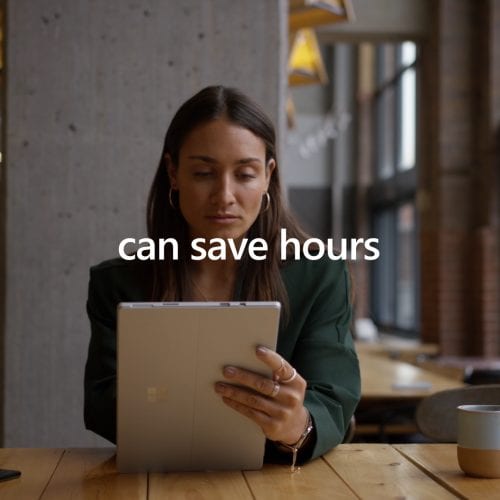
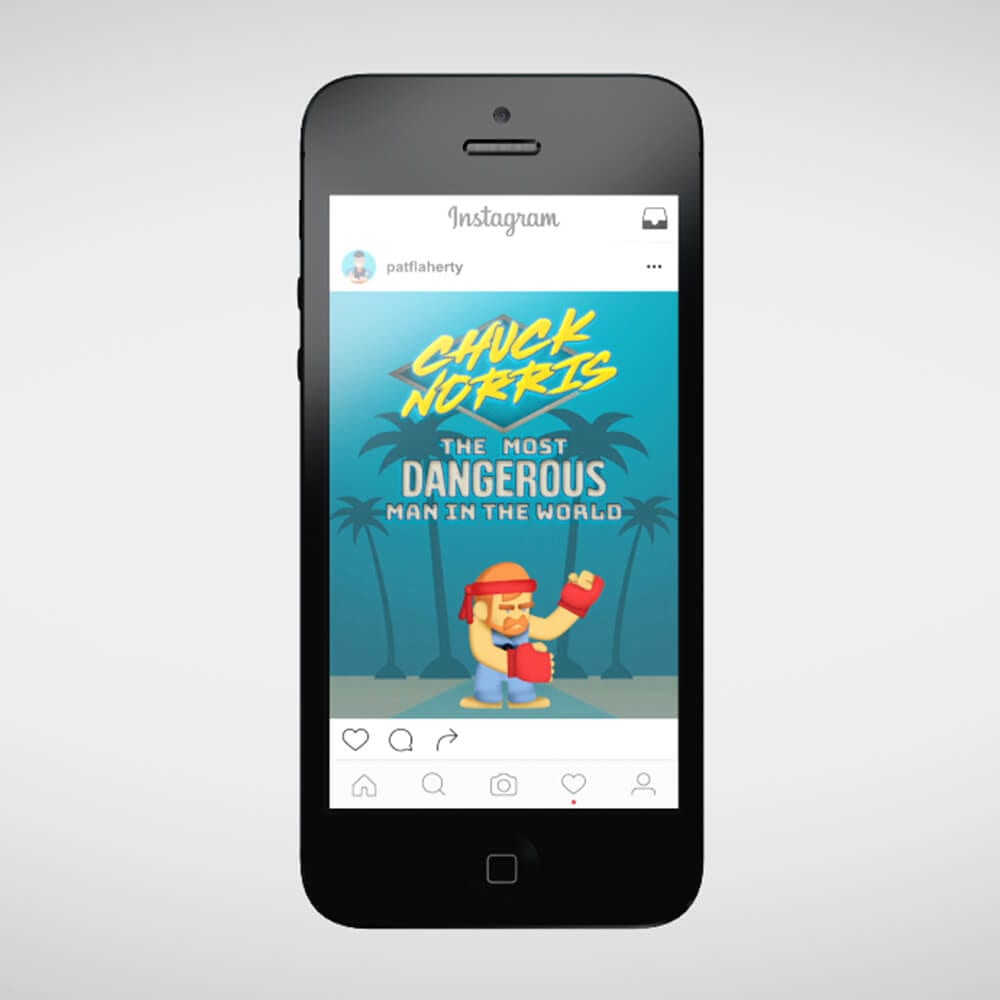
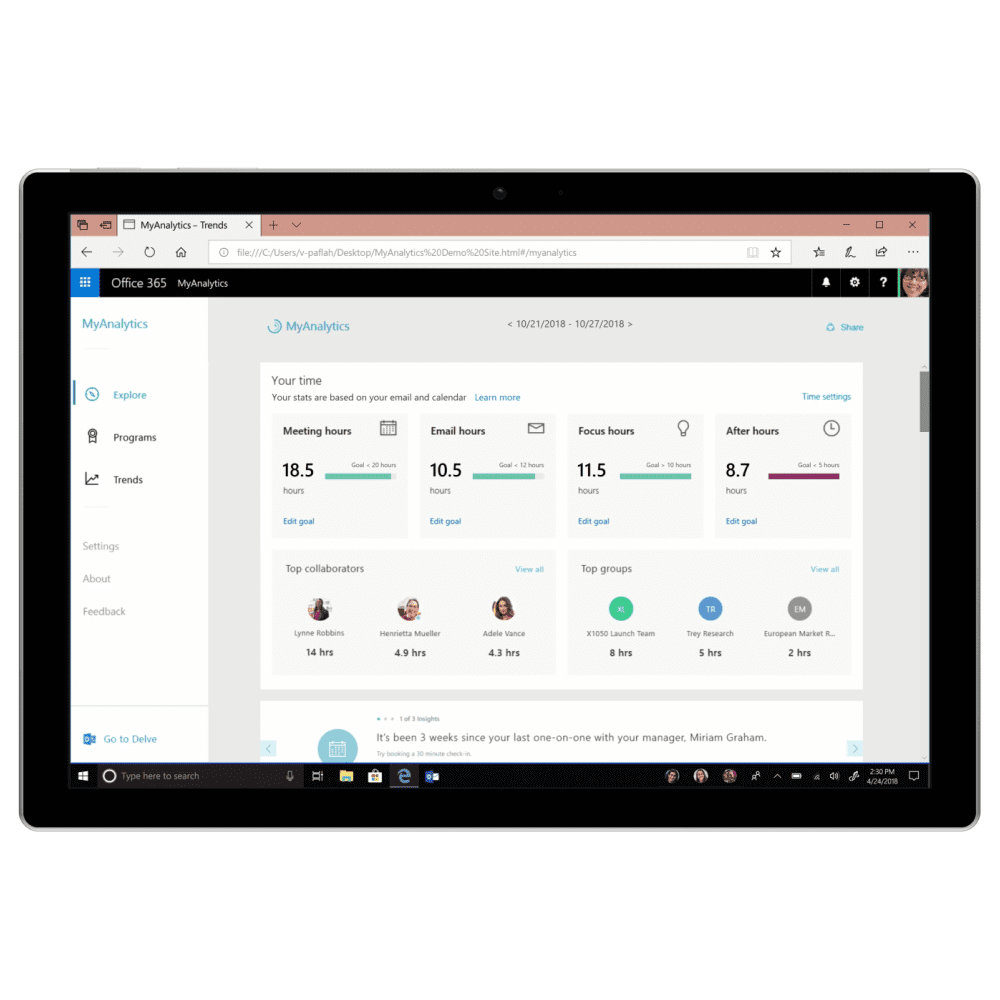
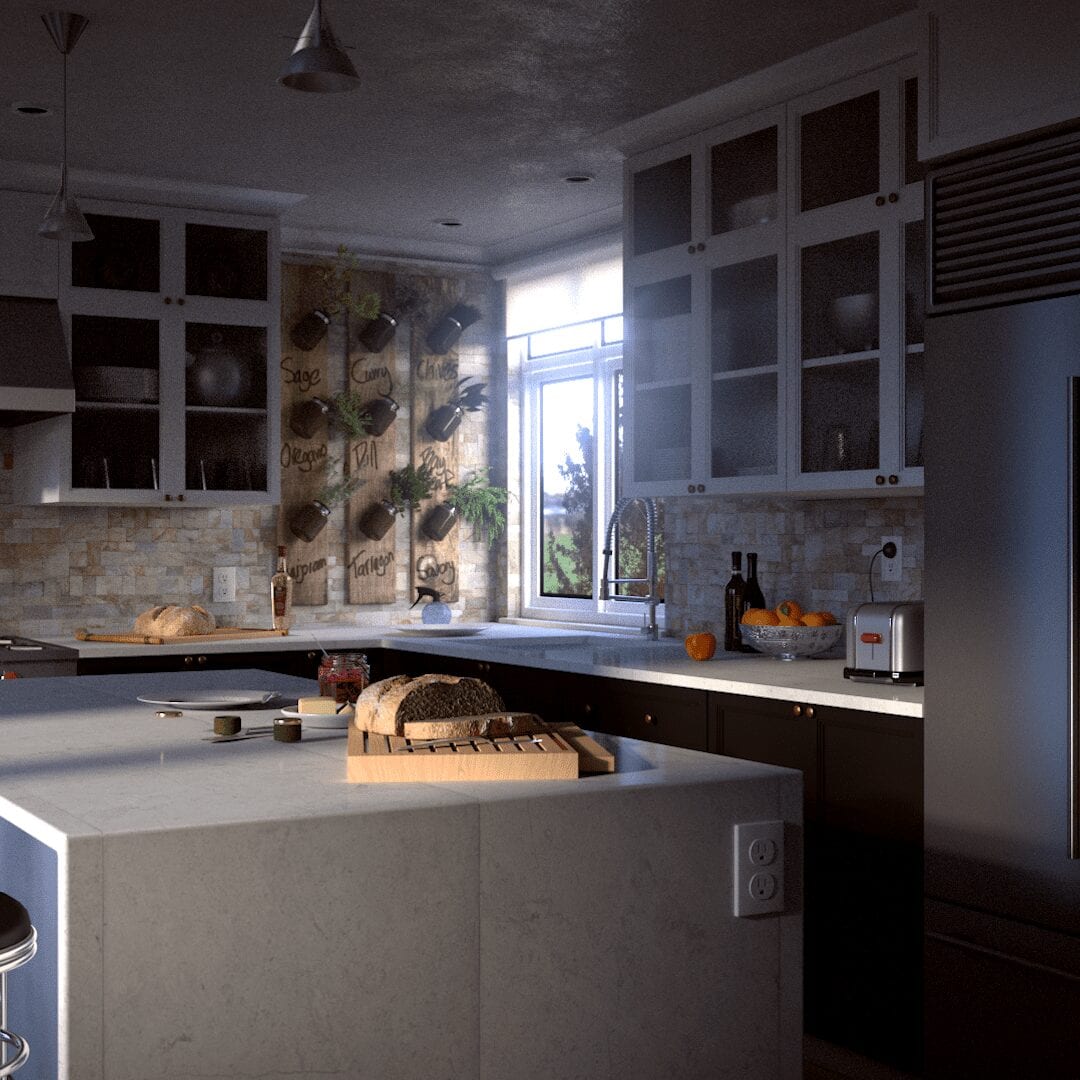
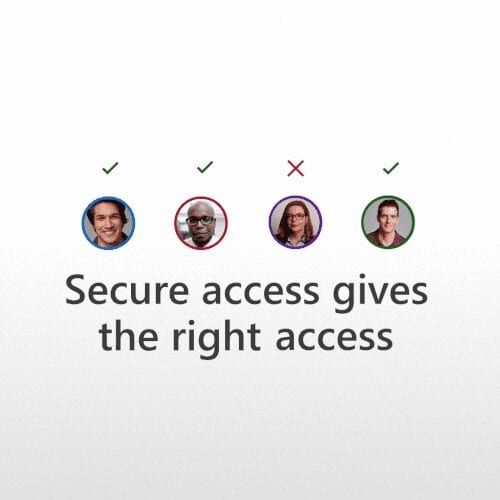
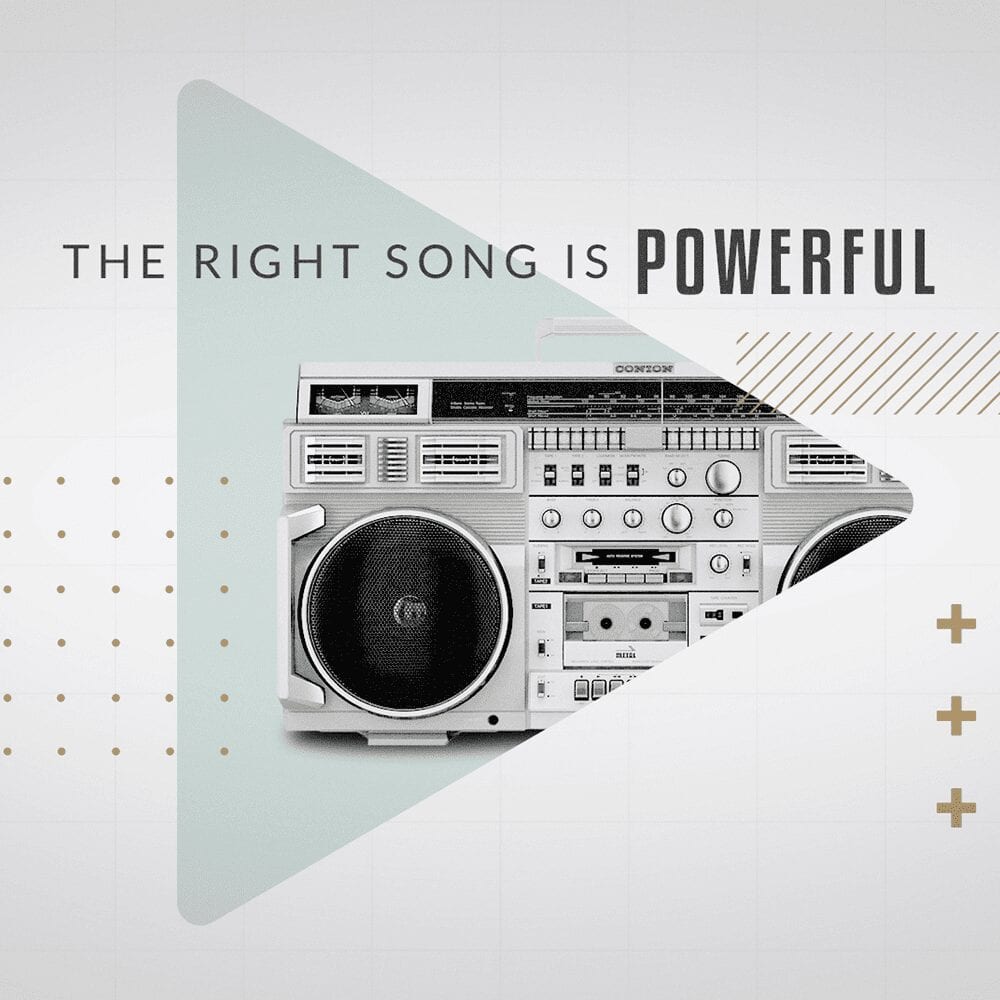
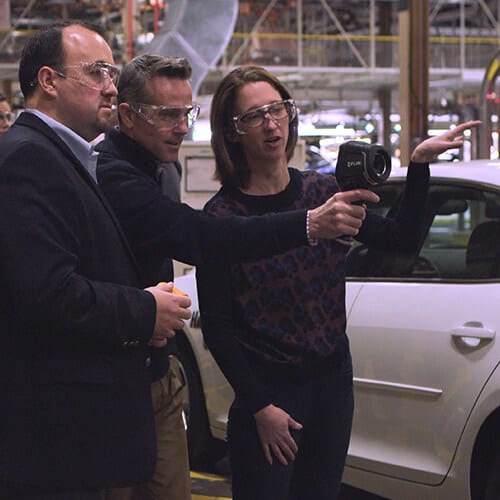
For the Microsoft brand work, I used rotoscoping to bring text and logos on and off screen in a way that felt more fluid and connected to the footage. Instead of relying on standard wipes, the movement could come from the people already in the shot.
That made the branding feel a little more physical and gave the reveals a cleaner, more human rhythm.
UI for Security Videos
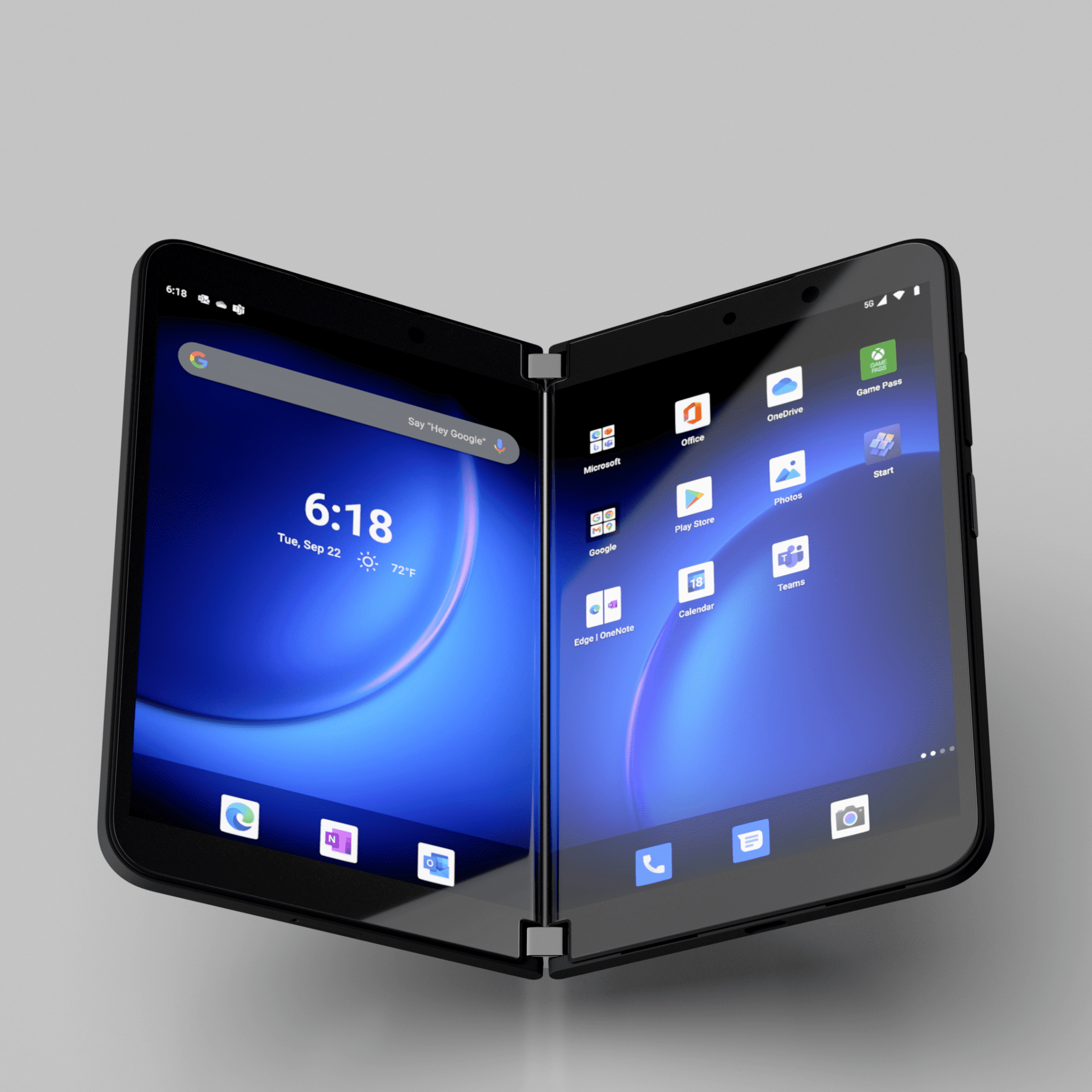
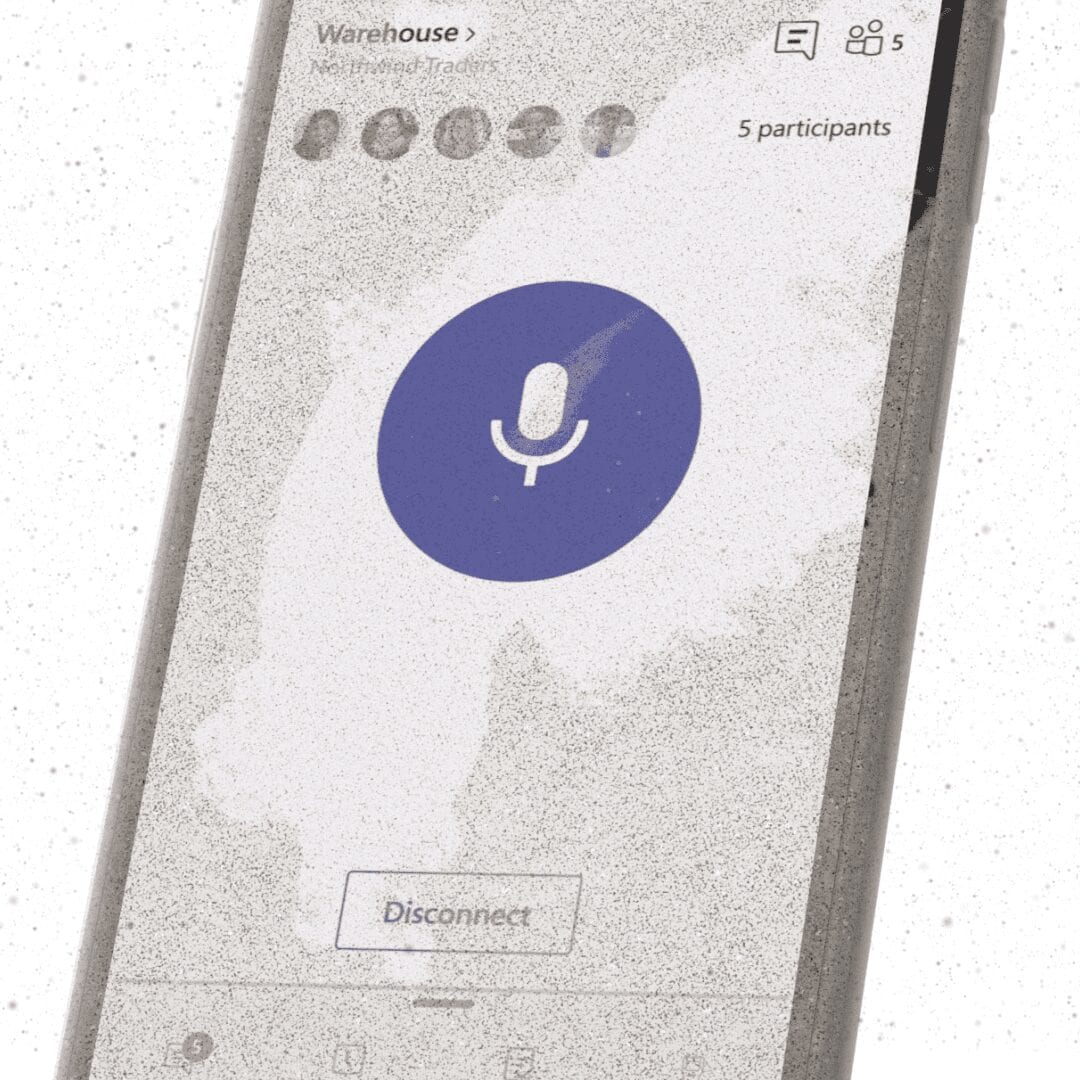
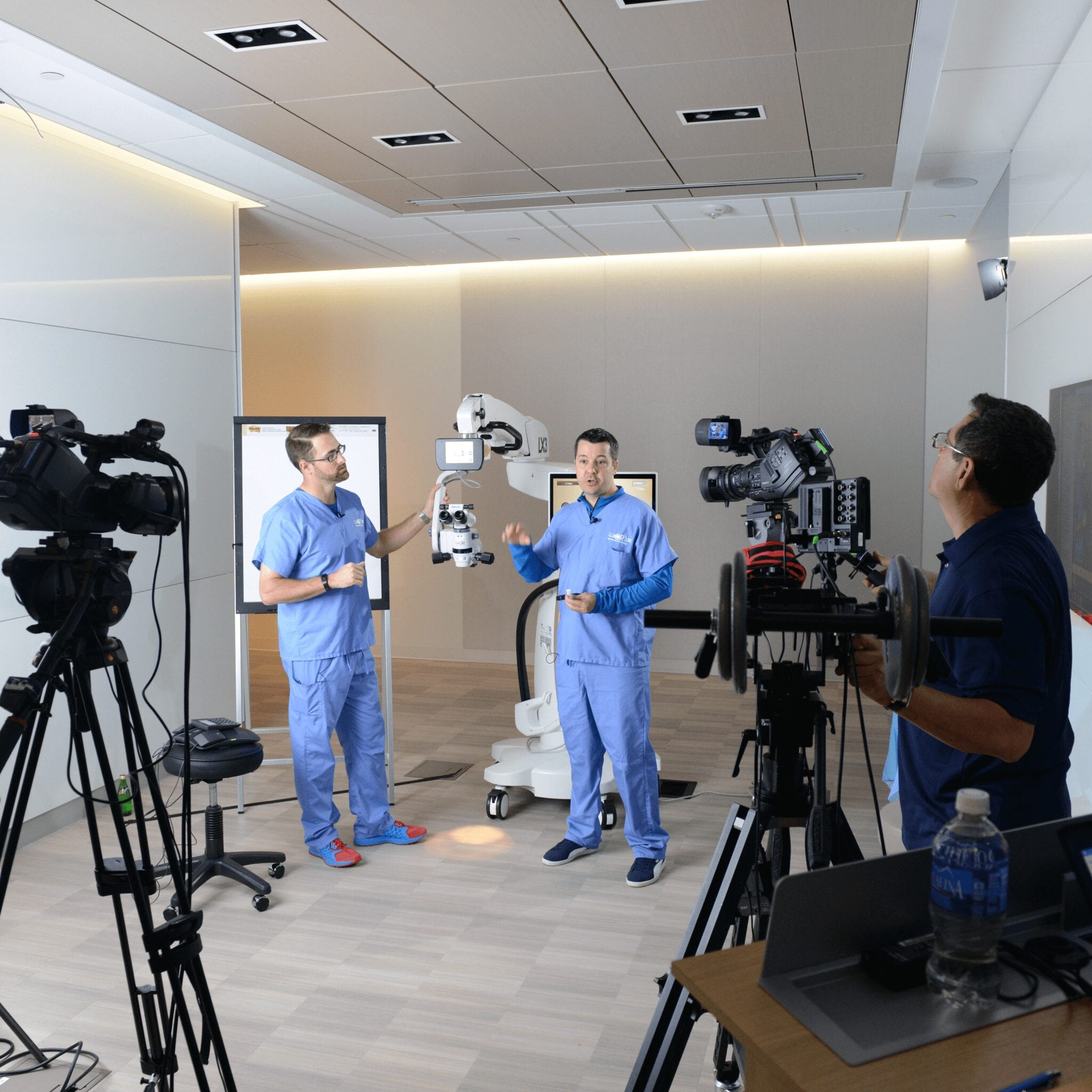
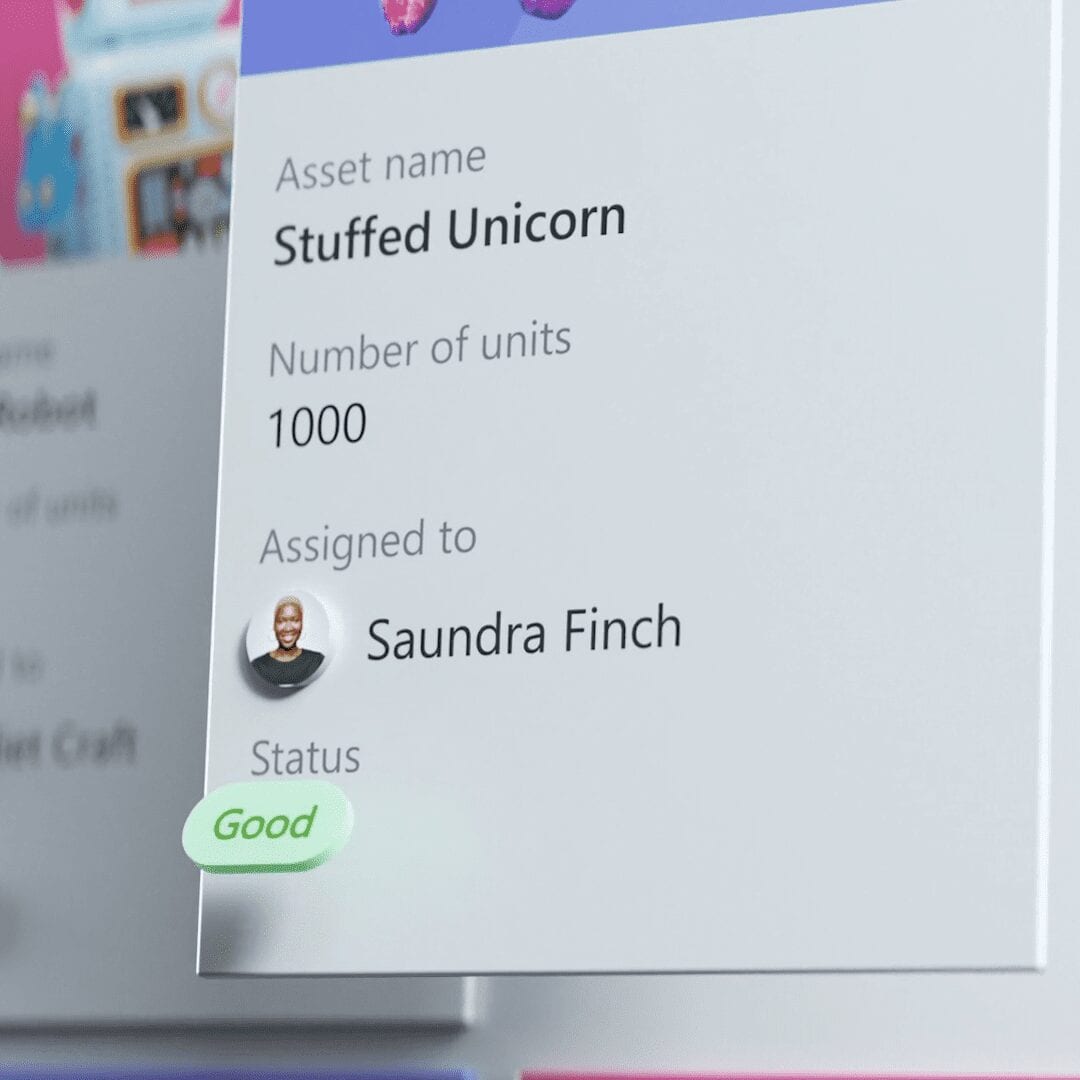
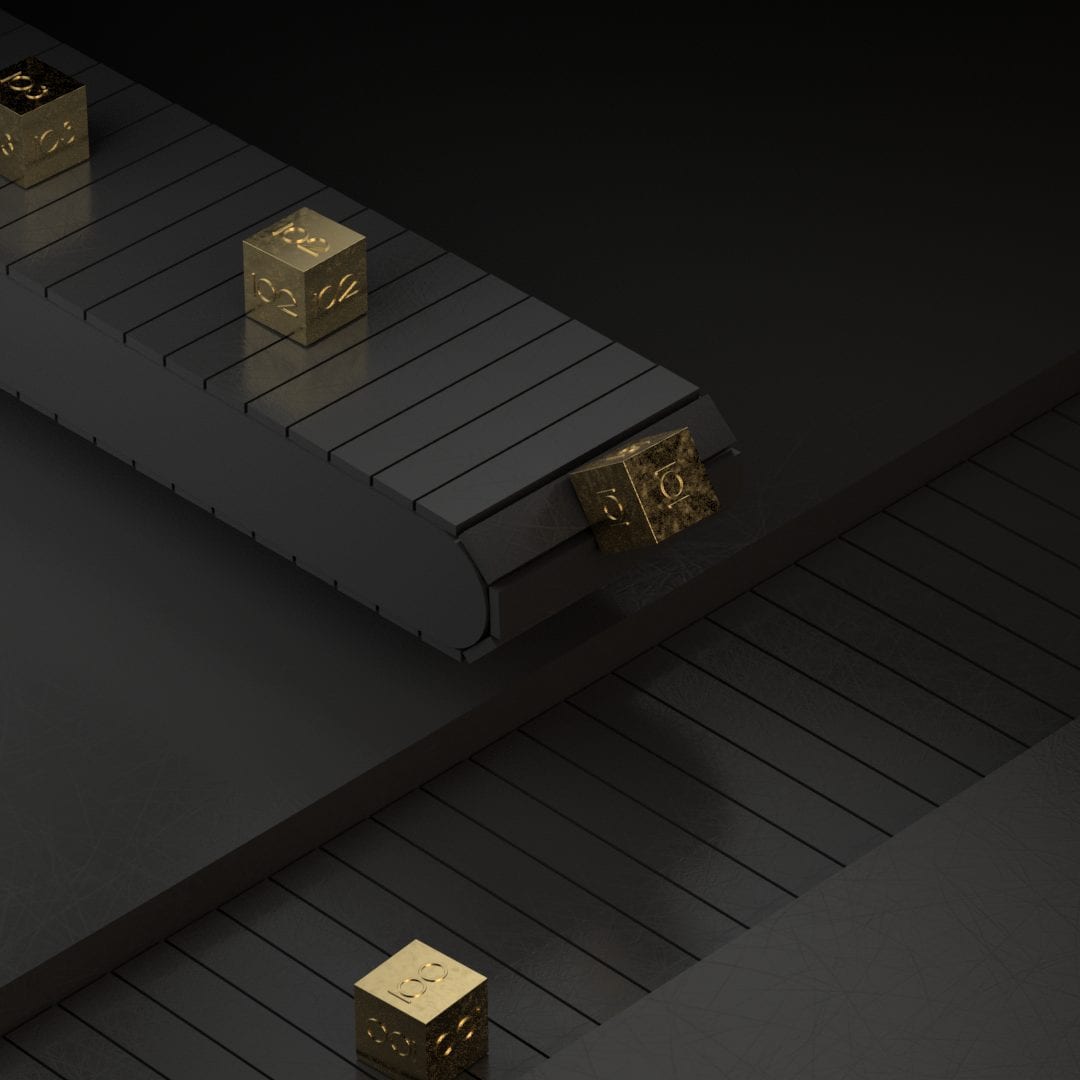
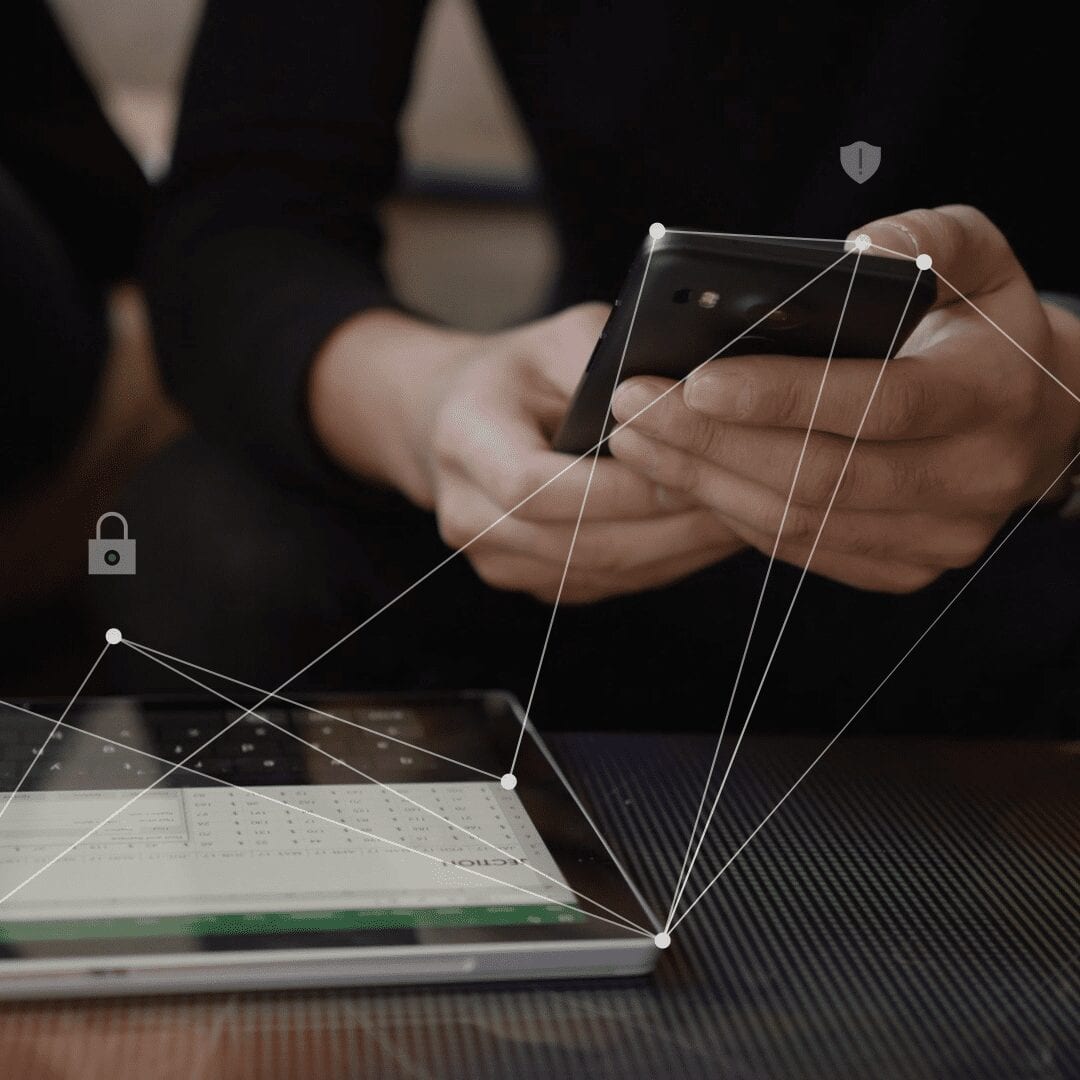
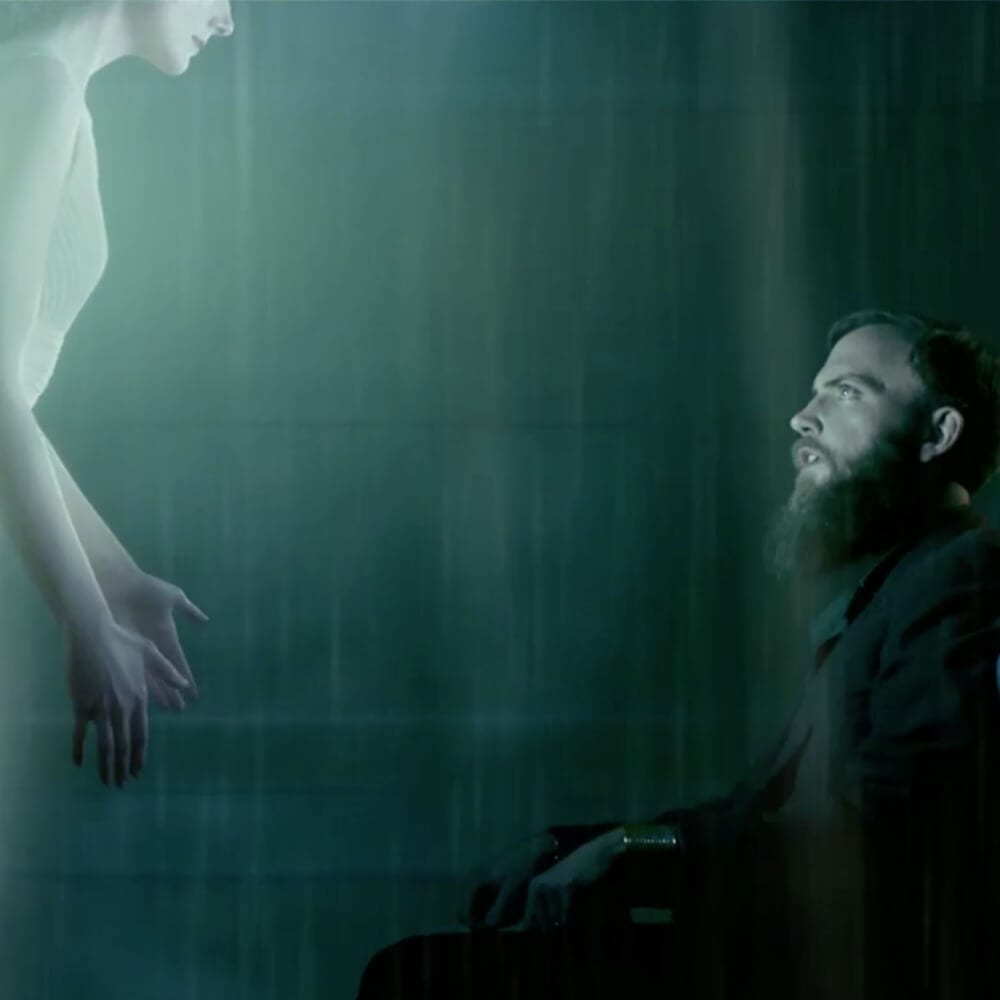
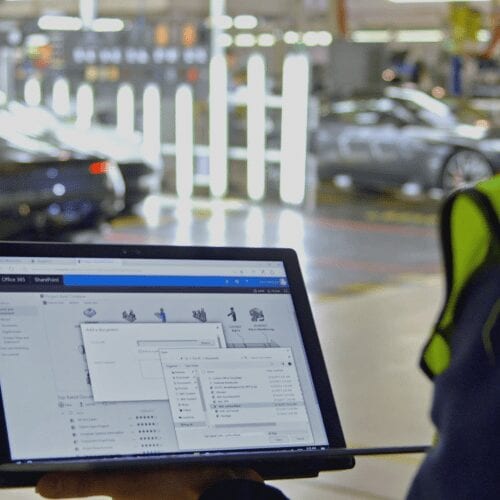
This work is more about motion tracking than hand-drawn rotoscoping, but it comes from the same place, making designed elements feel attached to something real. I tracked dots and logos onto moving objects in 3D space so they stayed aligned as the footage moved.
That added depth and helped the overlays feel like part of the scene instead of graphics floating on top of it.
At Mograph Mentor, it became more of a way to study movement closely and build animation from real reference.
Different projects, same basic instinct. Watch carefully, draw with intention, and use that structure to make the final motion feel more grounded.
Mograph Mentor
Animation Principles
This section shows work from Henrique Barone's Classical Animation Techniques class at Mograph Mentor. It was a chance to spend more time with frame-by-frame fundamentals and get closer to the mechanics of movement.
What I liked about it was how direct it was. No shortcuts, just drawing, timing, and learning how a character starts to feel alive one frame at a time.
Character Animation
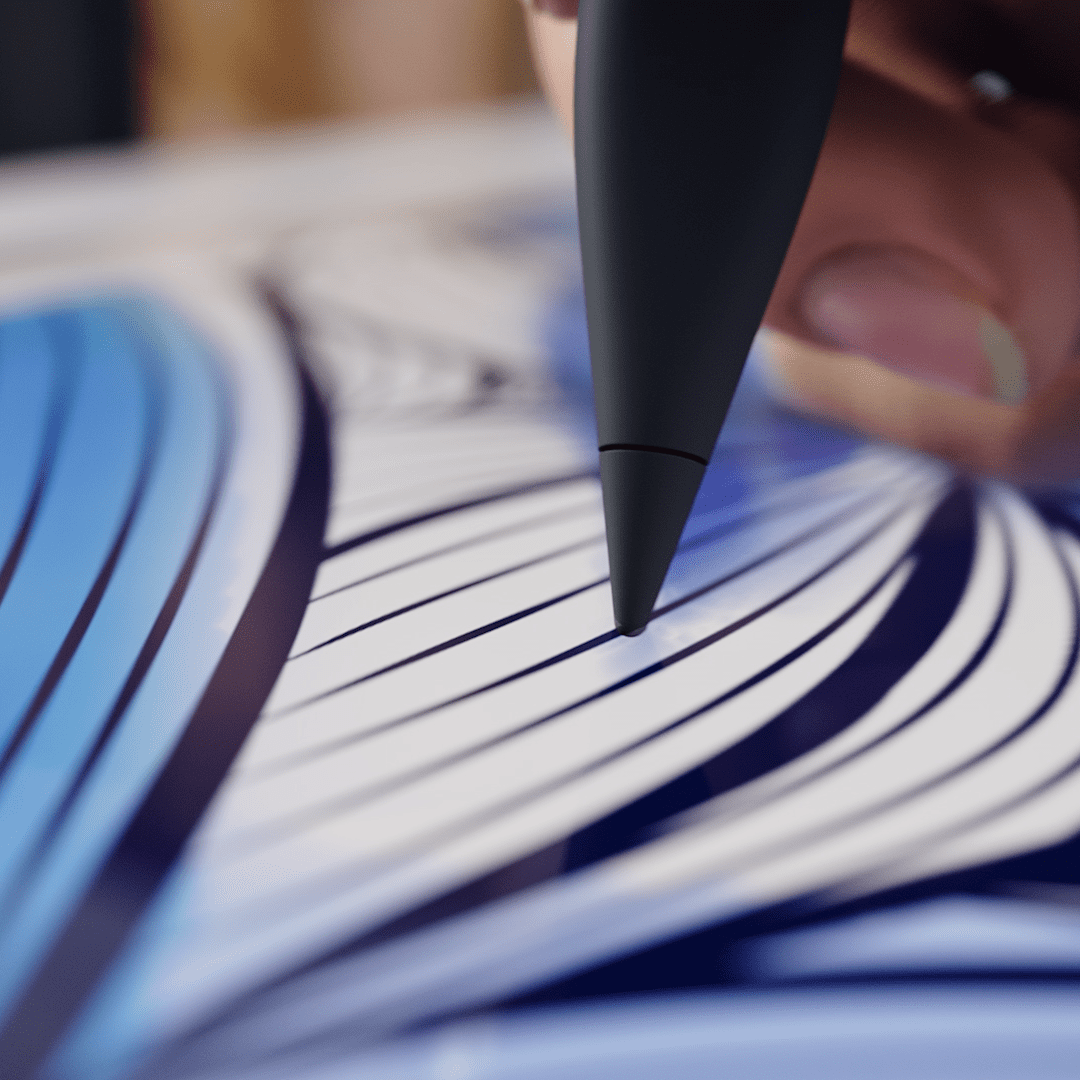
For this exercise, I filmed reference of a character running and spinning in a circle, then drew over it frame by frame. Starting from real footage gave me a solid base for the timing and weight before I stylized the motion.
It was a good reminder that rotoscoping can be less about tracing and more about understanding what the body is actually doing.
Animation - Patrick Flaherty
Selected Works