UI Production Director
Recall already existed in the broader Copilot+ PC work, but this version had a different job. It had to play live on a 50-foot screen during Yusuf Mehdi's public introduction, which changed everything from pacing to UI scale.
I led the visualization work from start to finish, building on the earlier Recall scenarios we had already developed for Surface Pro, Surface Laptop, and the broader Copilot+ PC announcement. We spent months in planning, then had a tight two-week push to get the final stage version into shape.
- I built the stage version of Recall for a 50-foot screen, which meant rethinking scale, motion, and readability.
- I carried the project from early concept through final delivery, including a late pivot after the script changed.
- I used the earlier Recall work as a foundation, then pushed those scenarios further for a live event setting.
Microsoft
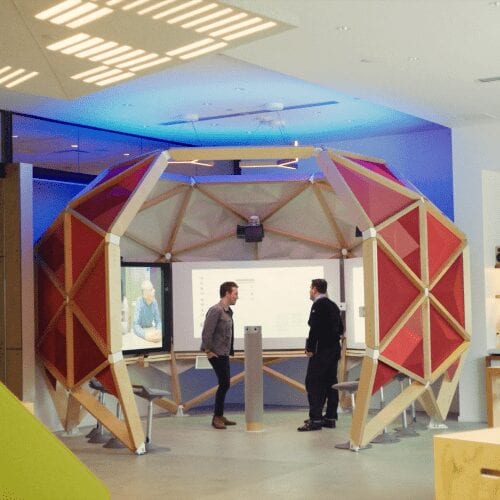
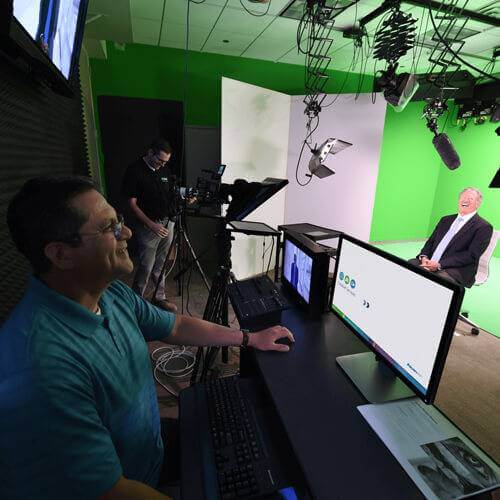
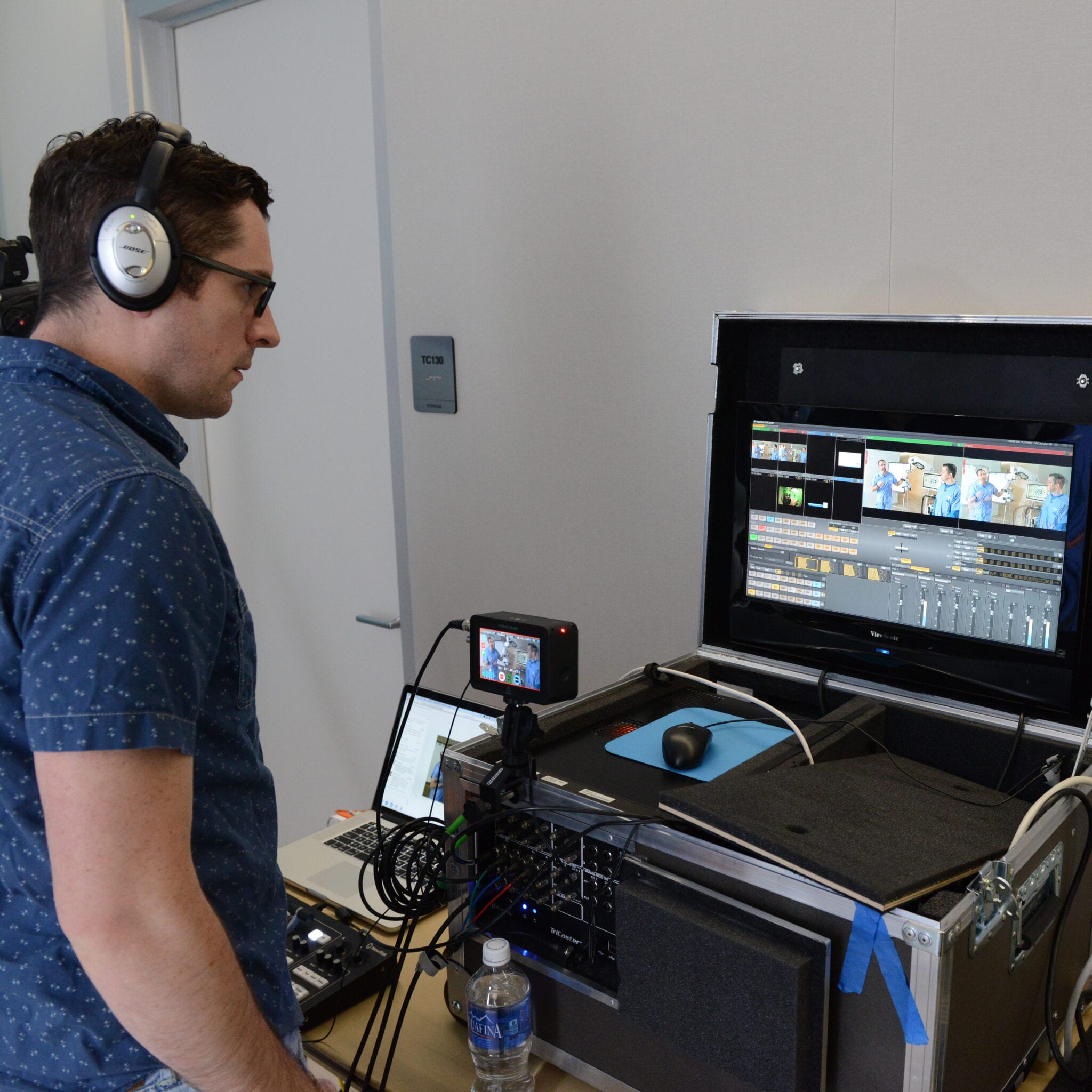
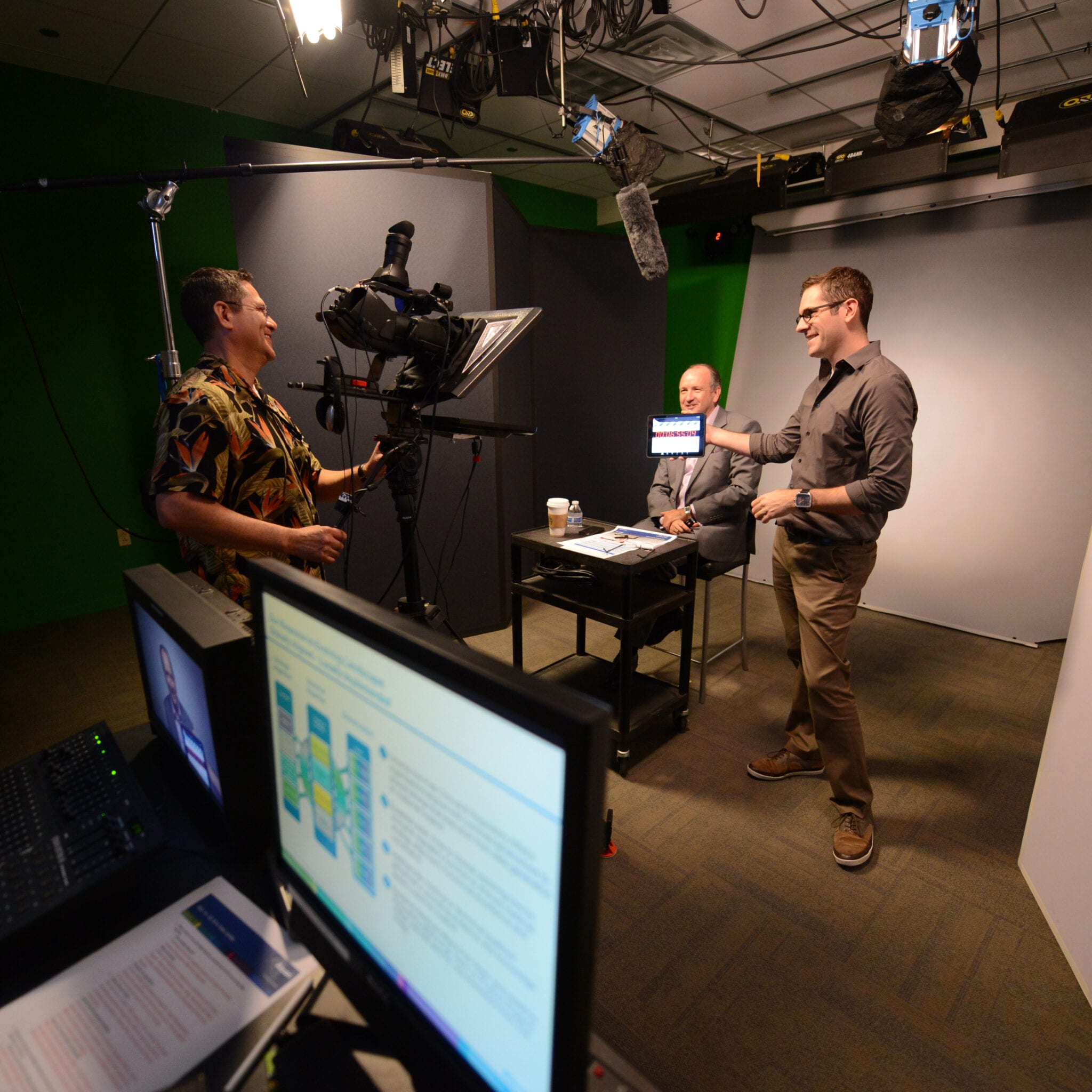
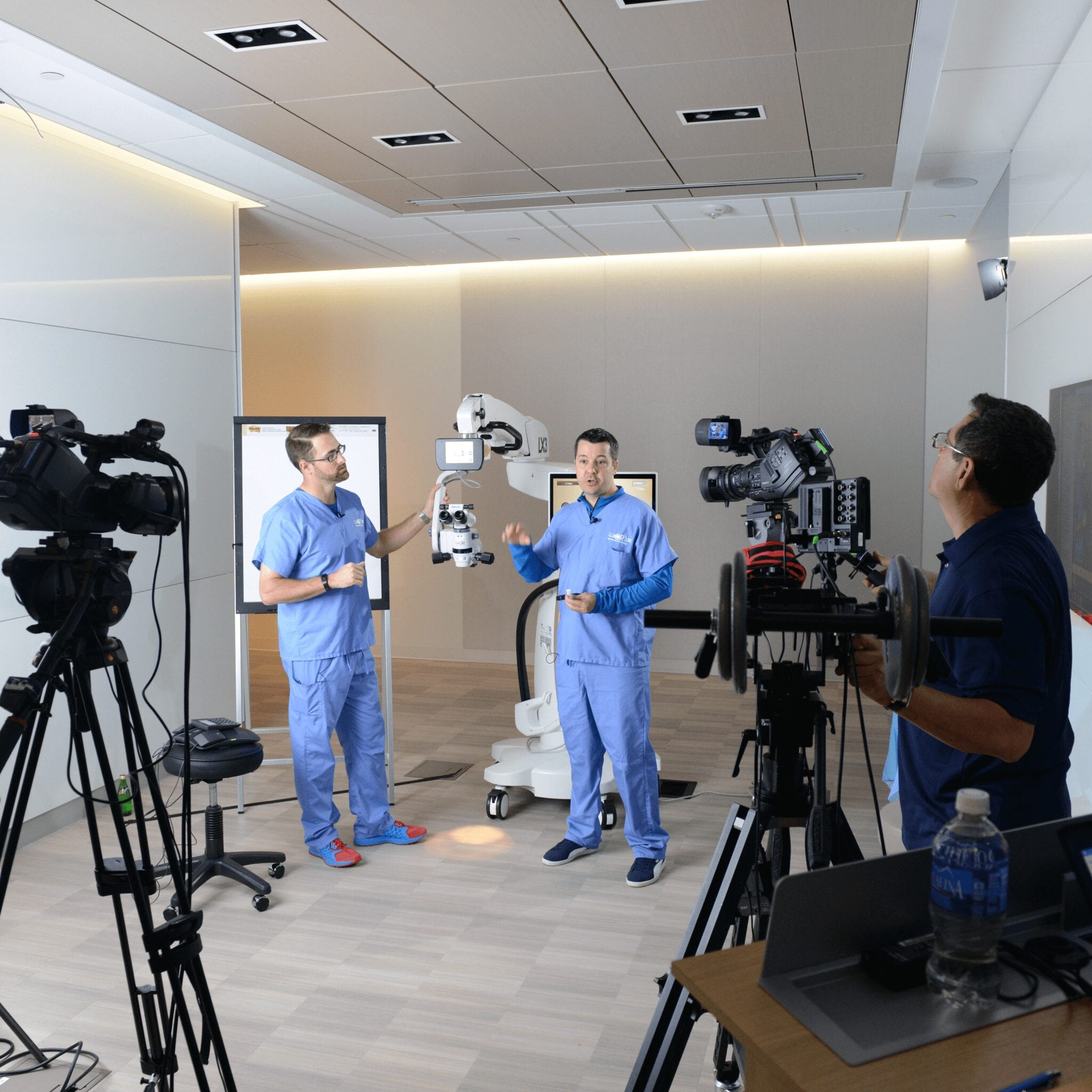
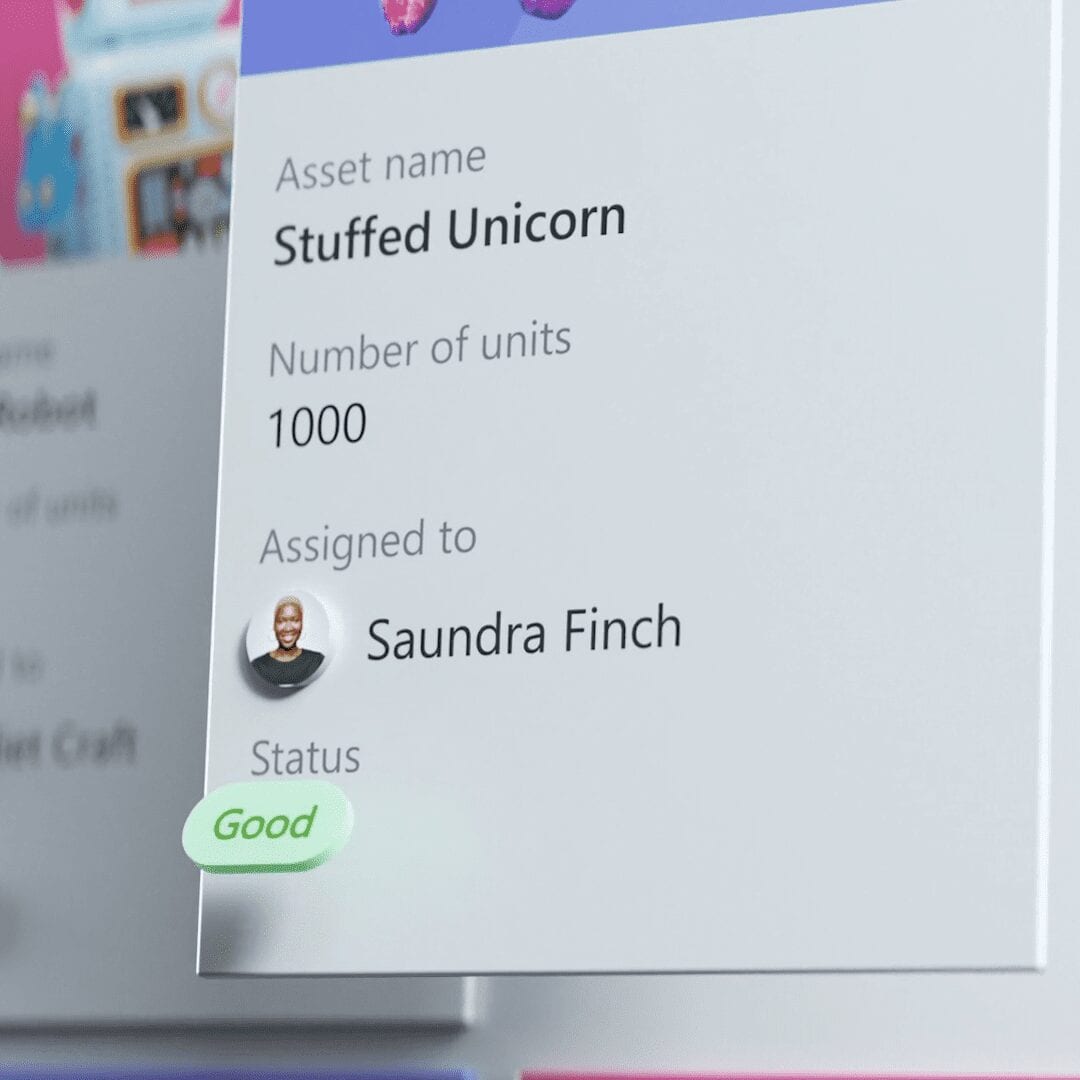
One of the biggest challenges was simply scale. A UI moment that feels fine on a laptop can fall apart fast on a 50-foot screen, so we spent a lot of time at Microsoft's production studios testing video clips, interface elements, device renders, and gradients to figure out what actually held up in the space.
I also filmed a quick reference video on my phone while we were testing. It was a simple way to document what we were learning in the room and helped me make better calls as the piece evolved.
Concept Development
The first concept had the talent walking out on stage while their timeline built out behind them. The idea was to give Recall a strong visual entrance and make the feature feel active from the start.
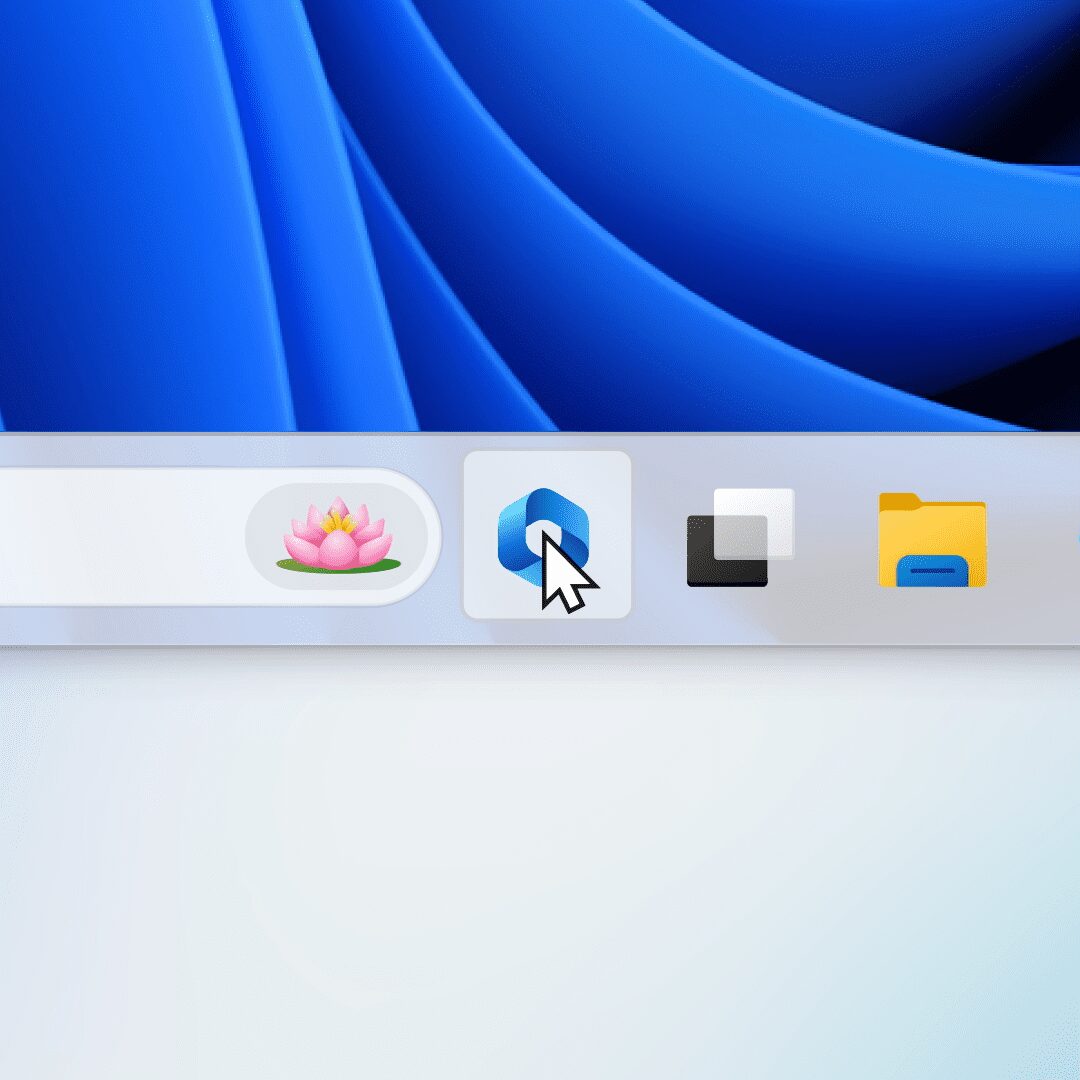
From there, I focused on a typed text prompt that could lead directly into the Recall interface. I also adjusted the UI for the giant screen and added a person for scale so we could judge how large everything needed to be in context.
Part of the script helped shape the look and pacing too. It gave the sequence a clearer narrative spine and helped tie the visual choices back to what Yusuf was actually saying on stage.
Board-o-matic
Once the script changed, I needed a fast way to show a new direction. I put together a quick board-o-matic so everyone could see the revised structure and react to it before we got too deep into final animation.
That step helped us pivot quickly without losing momentum.
Pivot and Adaptation
After the board-o-matic, I built a rough animatic to establish the pacing and overall flow. It was not polished yet, but it gave us something real to react to.
From there, I refined the sequence against temp audio so the transitions felt smoother and the rhythm started to settle in.
Once Yusuf's recording came in, I recut the piece again to lock the timing to his delivery. That version was important because it surfaced feedback on UI scale and helped us make the last round of adjustments.
Before the event, I finished a more polished pass that folded all of that feedback back in. Those iterations were what got the sequence ready for the stage.
Event Execution
I recorded two additional videos in the event space, one on the Friday before the presentation and one during the event itself. Having both was helpful because I could compare how the piece behaved during setup versus how it actually felt in the room once everything was live.
Event Demo
The event demo was my chance to see how the animation actually played on the big screen and through the event cameras. After reviewing it with the events team, I realized some of the movement felt too abrupt at that size.
We also decided to split the video into two parts so the handoff between the intro and outro would be easier to manage during the live presentation.
Event Day
Seeing the work on the big screen was a great moment. Even with a few timing mismatches from not having a full rehearsal, the piece still looked and sounded strong in the room.
That part was useful too. It gave me a better read on what works at that scale and what needs a little more testing before a live presentation.
Getting to attend the event and watch it all come together was a pretty incredible experience.
Director - Patrick Flaherty
Assistant Director - Daniel Escolin
Art Director - Melissa Kim
Producers - Emily Duarte, Ryta Karagodina, Justin Sund & Patrick Flaherty
Creative Director - Brian Townsend
Executive Creative Director - Markus Weickenmeier
3D Motion Designers - Gap Yossanun
3D Art Development - Wes Cockx
Art Design - Phoebe Hsu
Storyboard Artist - Alex Alvarado
UI Production Director - Patrick Flaherty
2D Motion Designer - Toliy Patel
UI Design - Piper Phan
Selected Works