UI Production Director
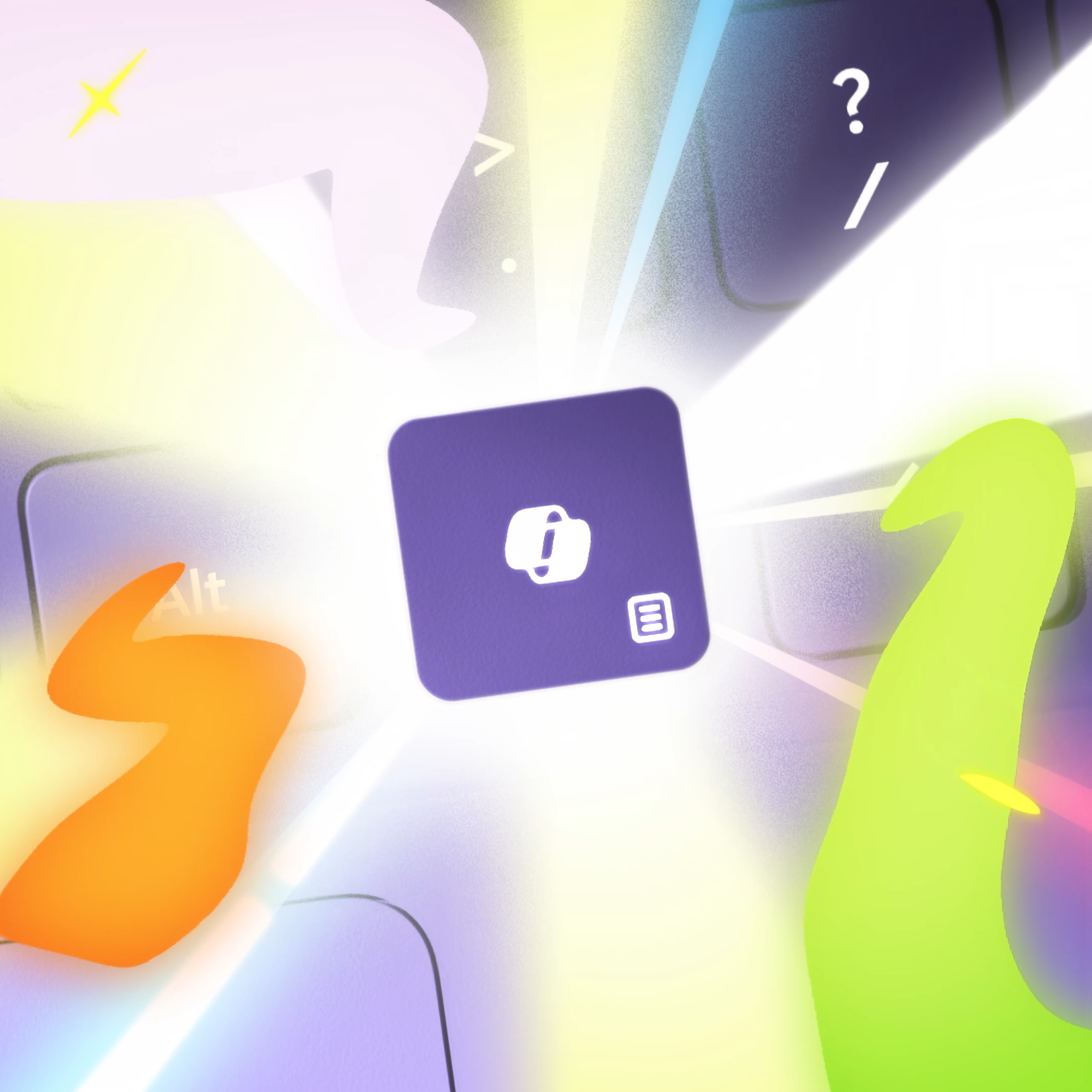
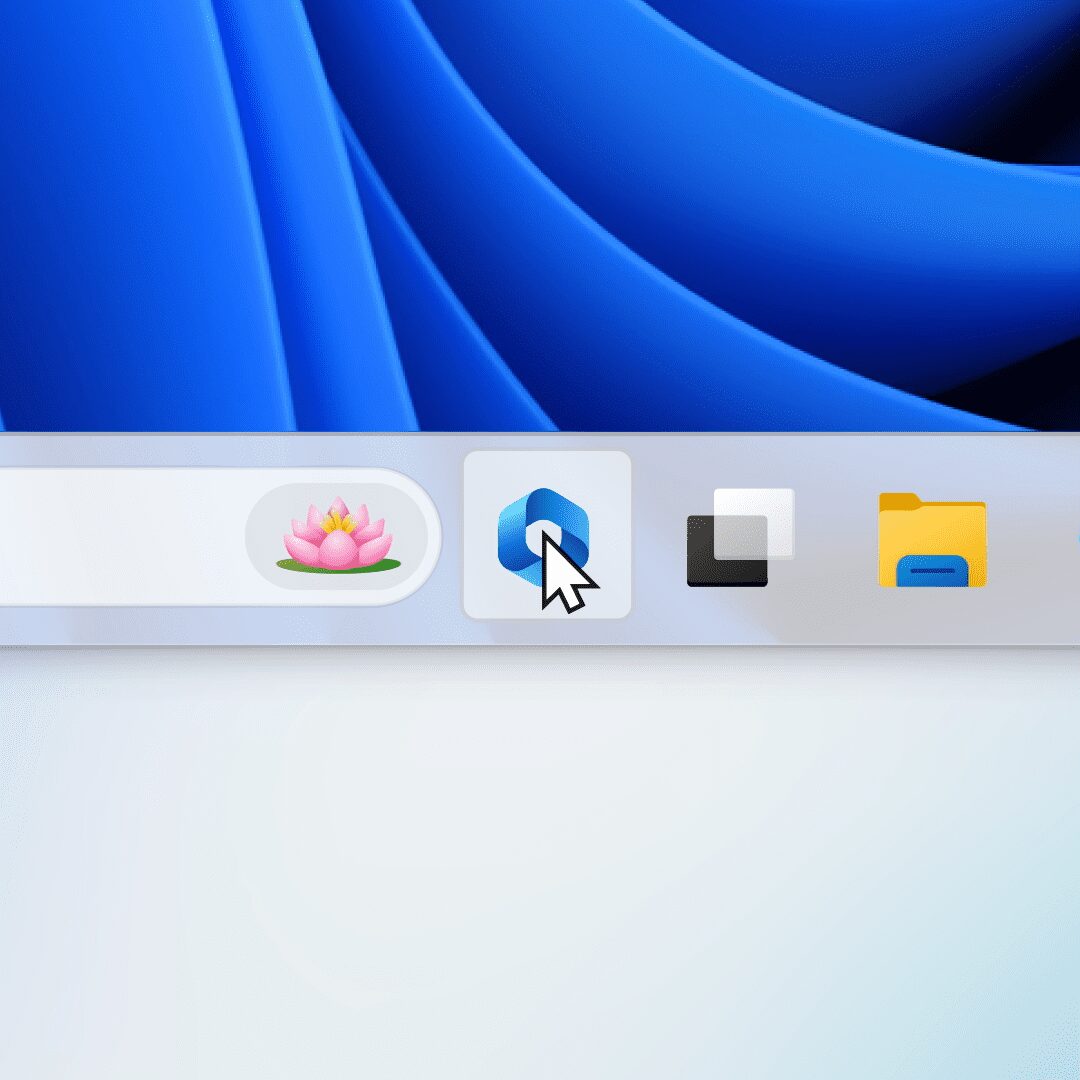
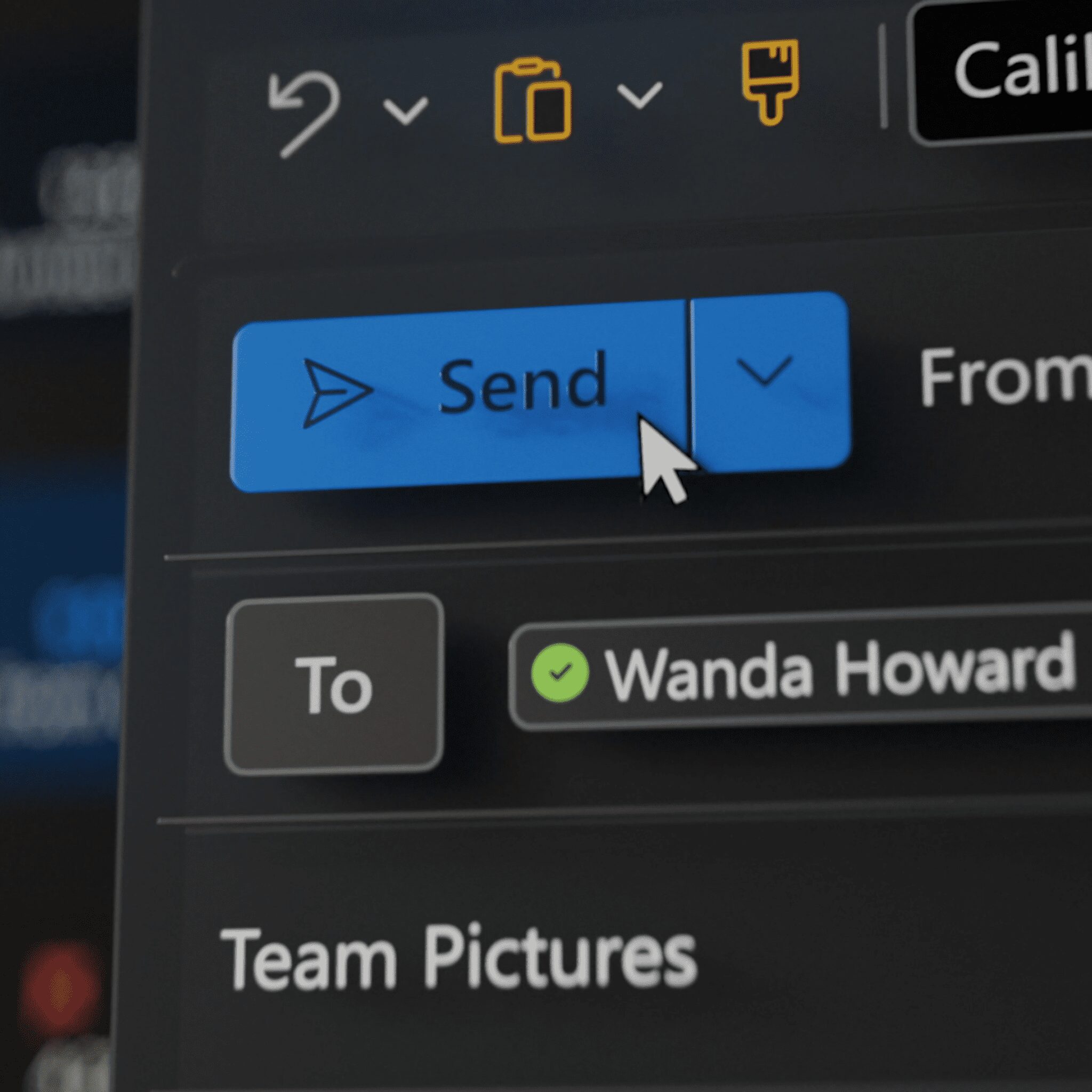
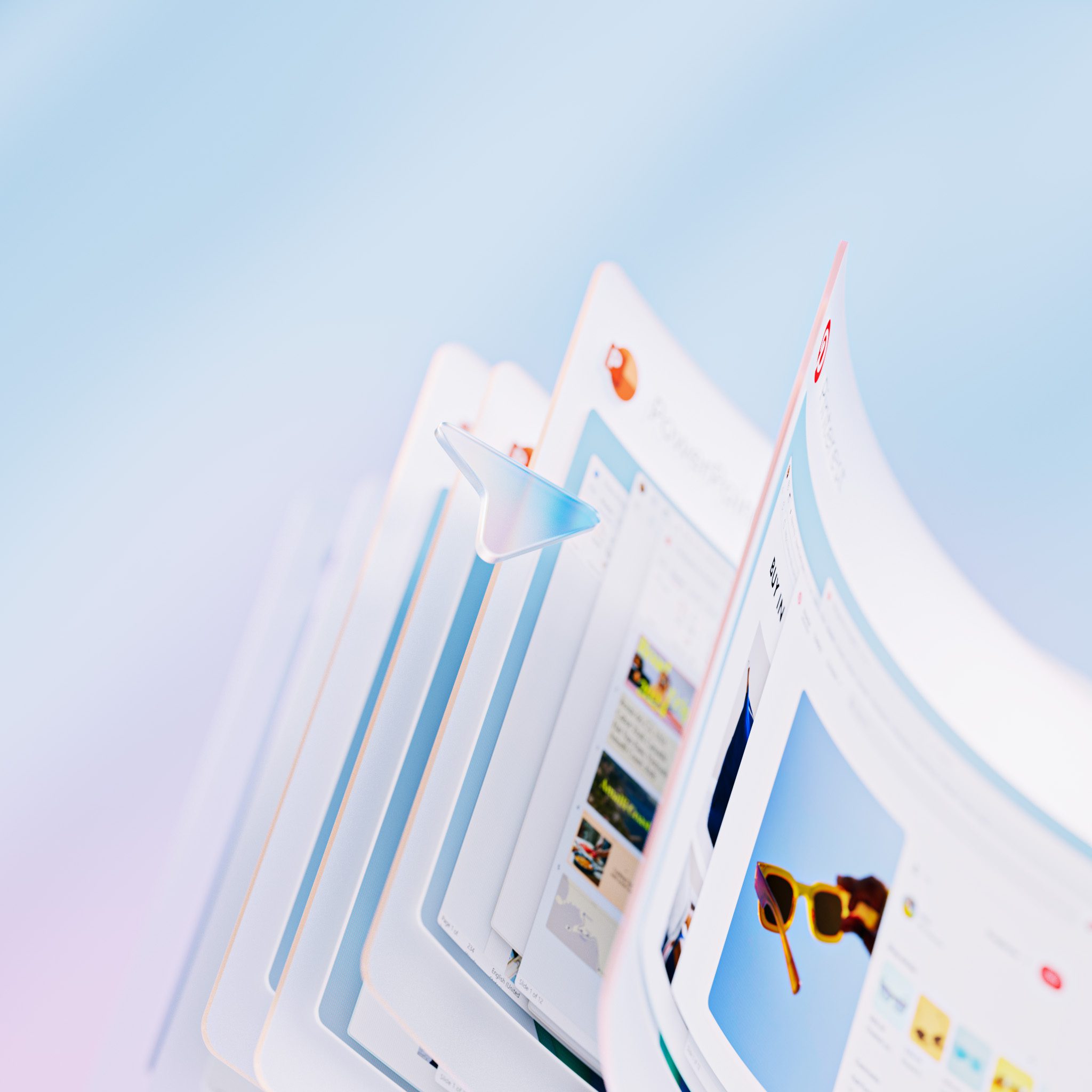
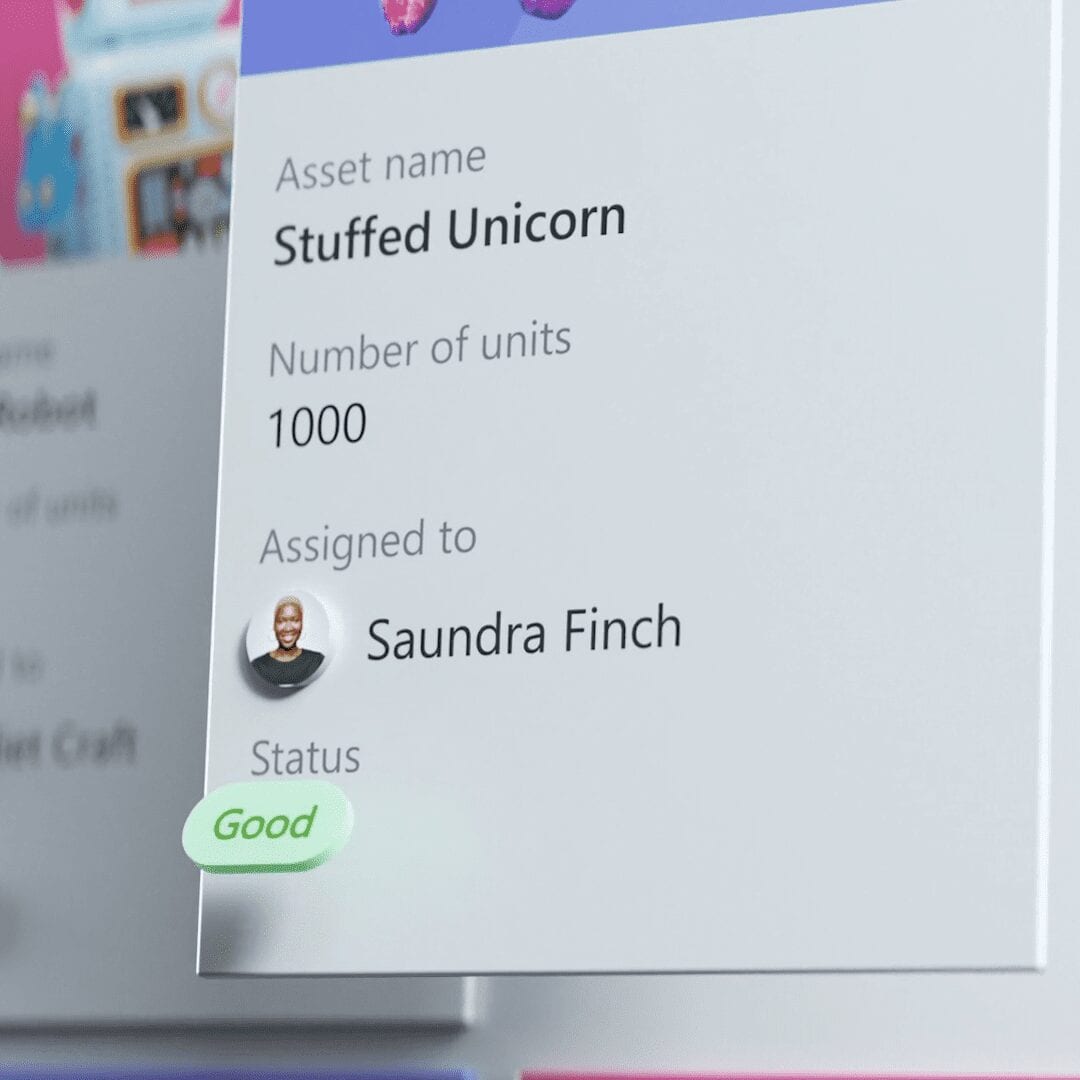
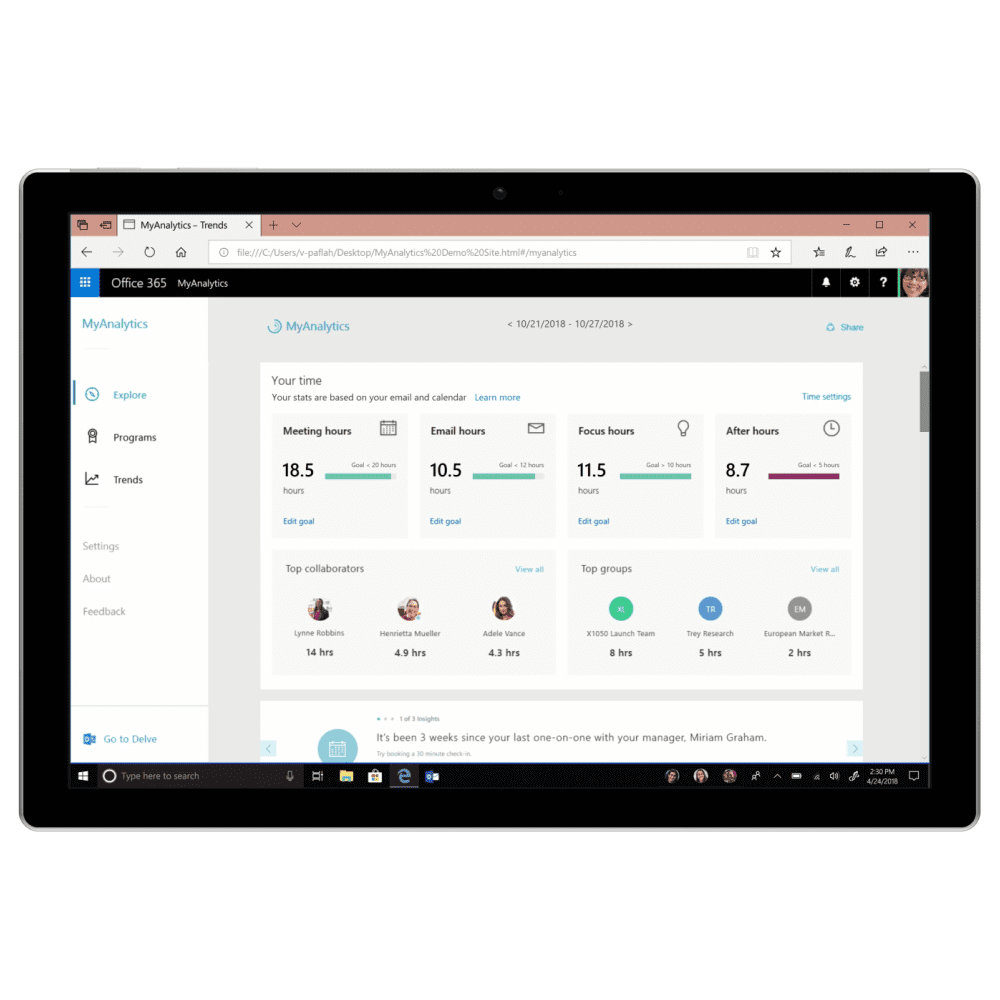
This video had to introduce a new wave of AI features coming to Copilot+ PCs in Windows 11, which sounds manageable until you actually start figuring out how to make things like Click-to-Do, Natural Language Search, and Recall feel clear and useful on a small screen instead of abstract and overwhelming.
As UI Production Director, I led the UI direction and storytelling for the piece, then animated several of the key scenes myself. A lot of the work was about finding the right moment for each feature, the specific interaction or result that would make a viewer actually understand what the tool did rather than just seeing it run.
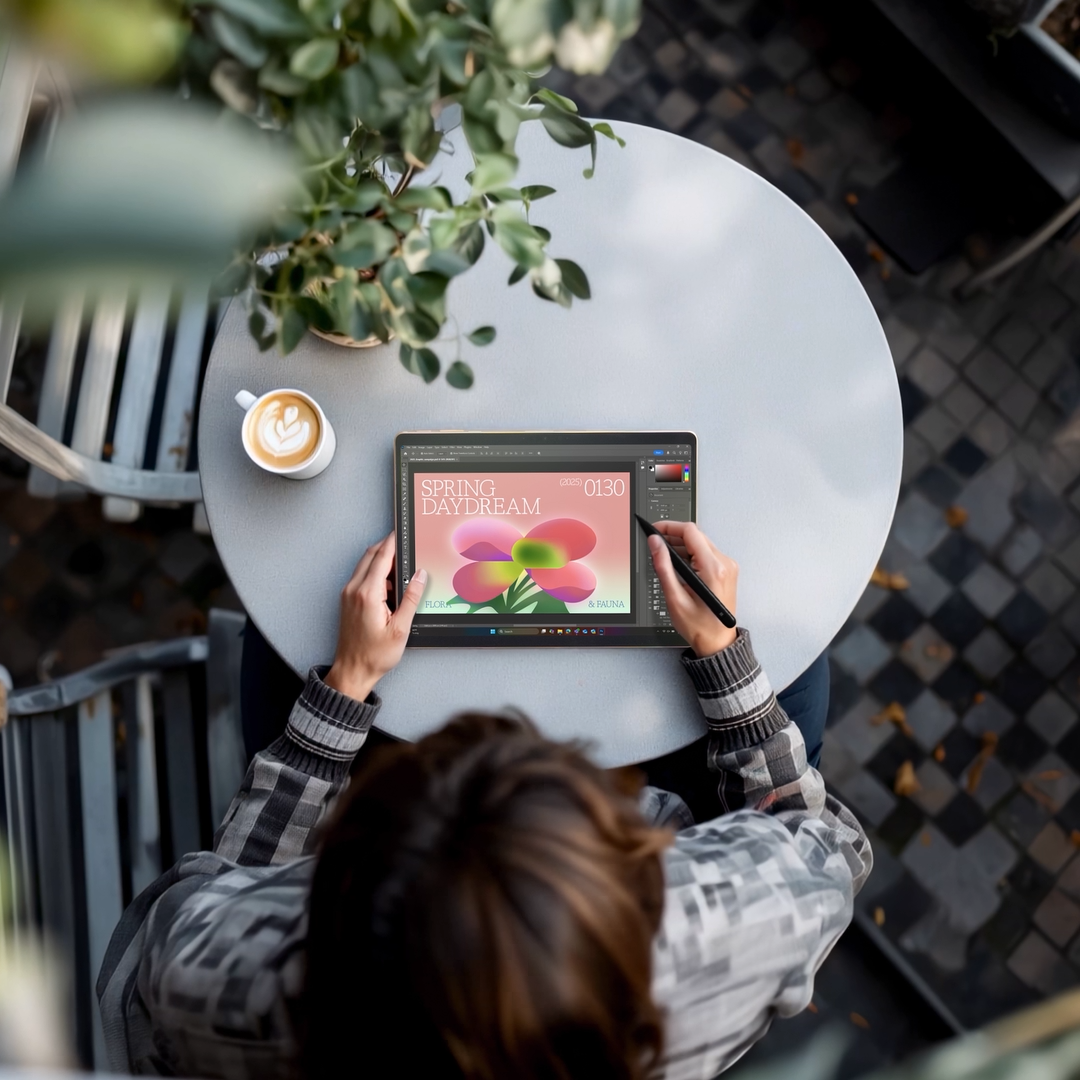
Late in the process, Generative Erase in Paint got added to the mix. That meant a quick pivot, coordinating with design and the motion team to build a new scene and get it integrated without losing the pacing we had already locked in. The video shipped in fall 2024 and holds up as one of the cleaner feature explainer pieces from that period.
- Directed UI storytelling across multiple AI features including Click-to-Do, Natural Language Search, Recall, Super Resolution, and Generative Fill and Erase in Paint.
- Animated key scenes directly, focused on making complex AI interactions read quickly and clearly.
- Led a late-stage addition of the Generative Erase feature, coordinating the new scene into the edit without disrupting the overall flow.
Microsoft
Director - Cisco McCarthy
Art Director - Melissa Kim
Producers - Emily Duarte, Ryta Karagodina & Justin Sund
Creative Director - Brian Townsend
Executive Creative Director - Markus Weickenmeier
3D Motion Designers - Gap Yossanun, Kyle Moore
Art Design - Phoebe Hsu
Storyboard Artist - Alex Alvarado
UI Production Director - Patrick Flaherty
2D Motion Designer - Toliy Patel & Ronny So
UI Design - Piper Phan
Selected Works