The curve editor in After Effects looks like an EKG the first time you open it. Spikes and smooth hills charting speed over time. I tugged at handles trying to chase a snappy bounce or a gentle ease and kept getting motion that felt off. Easing is supposed to make animation feel natural. Mine still felt flat.
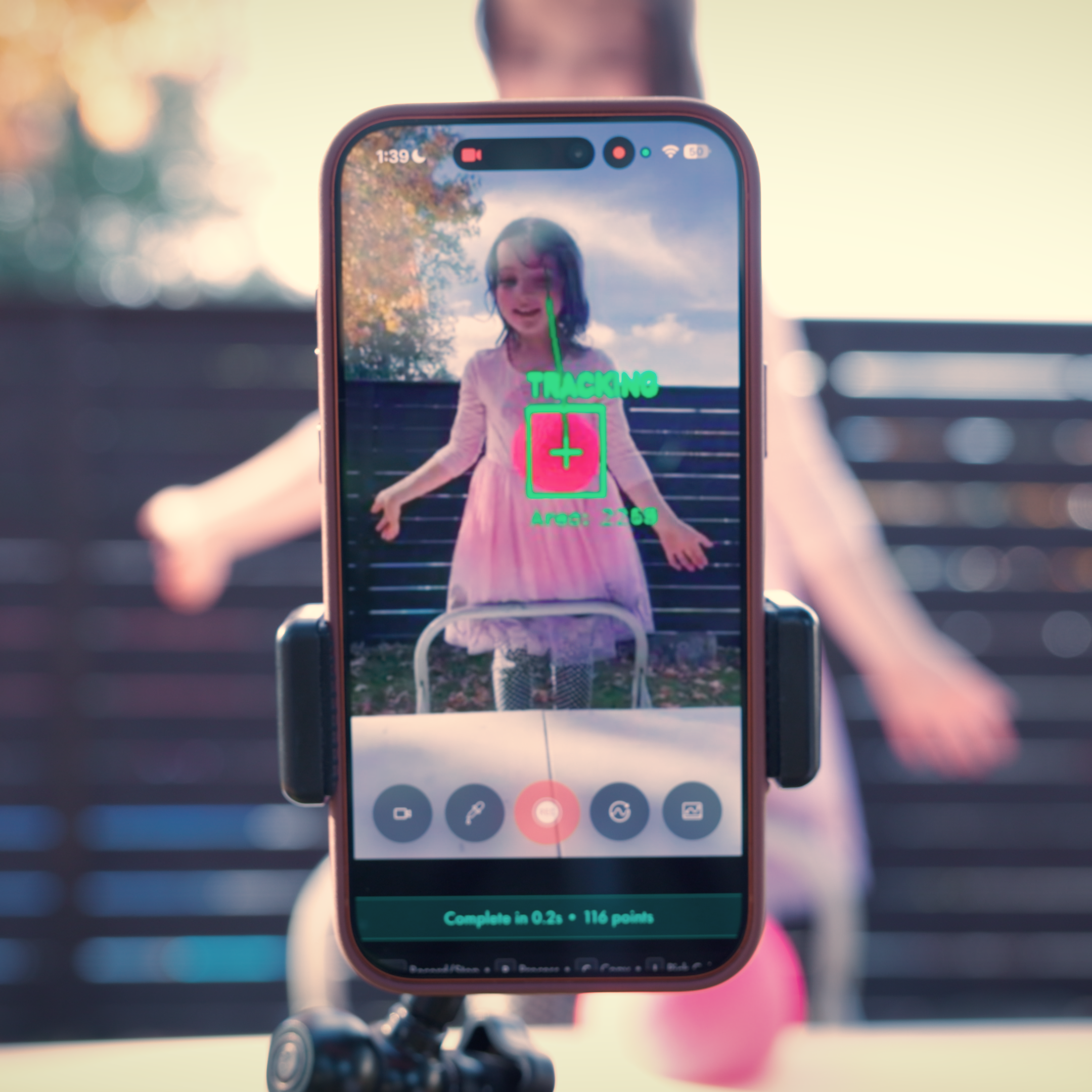
I started noticing that experienced animators often conduct their screens with their hands while they work, as if they are pulling movement out of the air. I did it too. While preparing a talk for ADPList's Product Day, I tried filming a simple physical motion, then animating to match it in After Effects. The result felt unusually alive because it was grounded in something real. That observation turned into a question: what if you could start with a physical gesture and let it drive the timing, instead of plotting points and guessing?
That idea became Motion Tracker. The premise is simple: record a real movement and translate it into a ready-made easing curve you can use in Figma, After Effects, Rive, or code. Instead of building from abstraction, you start from feel. For newcomers, it makes the curve editor less opaque. For veterans, it is a fast way to prototype timing or break out of a rut. For teams, it creates something valuable: a shared motion language where designers and engineers are working from the same artifact instead of trading adjectives like "snappier" or "more natural."
- Built around a simple insight: physical motion is a more intuitive starting point for animation timing than abstract curve editing.
- Outputs easing curves compatible with Figma, After Effects, Rive, Cinema 4D, and code, so the same timing can move across tools and disciplines.
- Designed with teams in mind, giving designers, engineers, and motion specialists a concrete shared reference instead of subjective descriptions.
Selected Works